Two Characters, One Image: How to Stop AI Blending Faces & Bodies (2026)
November 24, 2026
🔞 18+ Only: This tutorial is about generating images of fictional adult characters — two of them in the same frame, without the generator smearing them into one person. Every example below uses invented adult characters, and every technique works the same whether the scene is a ballroom portrait or something considerably less dressed.
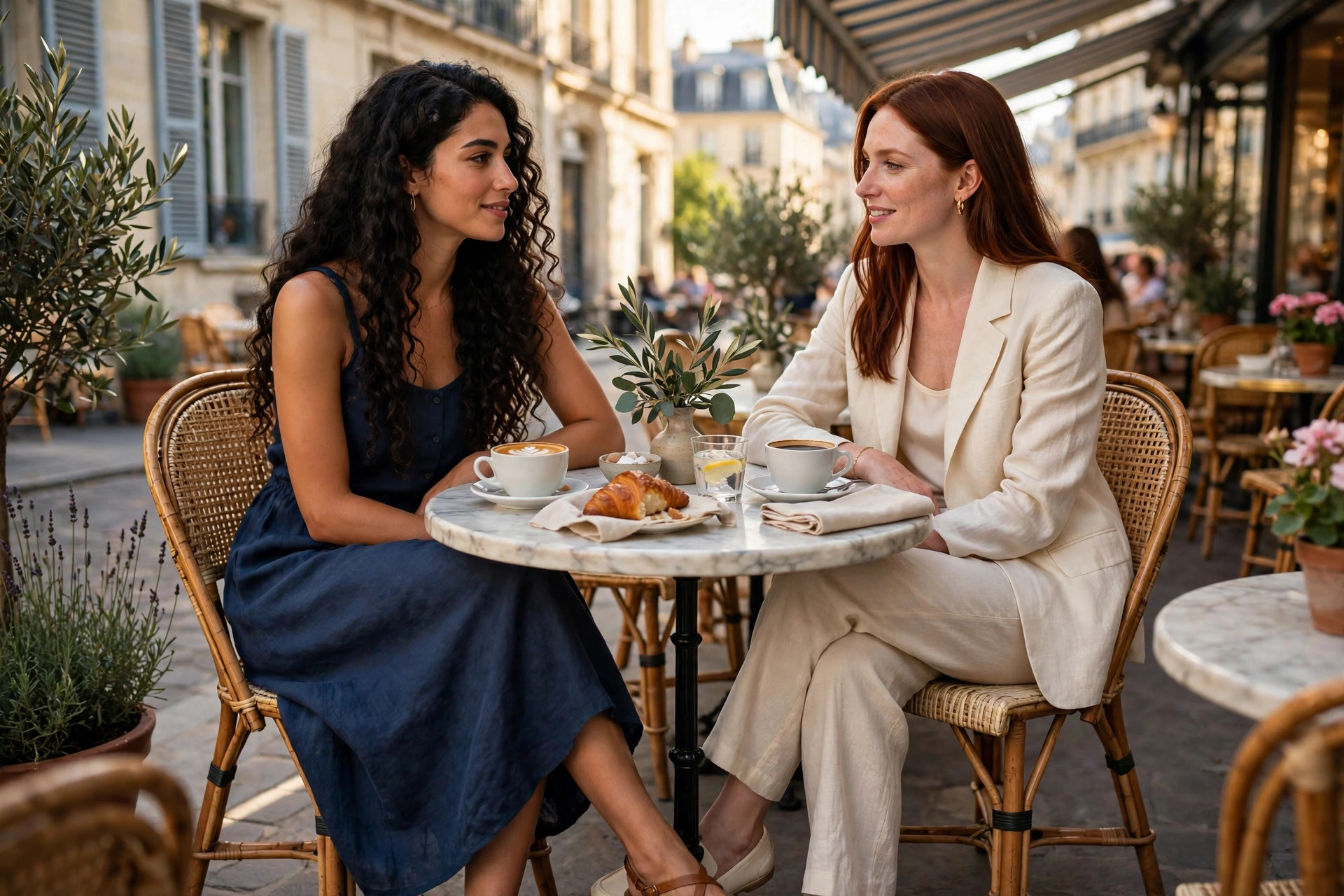
Ask an AI generator for two women and you will meet the blend. The brunette gets the blonde’s face with the brunette’s hair. The red dress migrates onto the wrong body. Two arms become three, and the third belongs to neither of them. Or the model quietly gives up and hands you the same woman twice, in two outfits, like a cloning accident. None of this is bad luck, and none of it means the model “can’t do” two characters. It means a single prompt gives the model a single shared pool of attention, and two similar descriptions poured into one pool will mix. This guide is the mechanics of stopping that: how to describe each character so her traits stay hers, how to place them in the frame using camera coordinates, how to give each woman her own reference image, and — for local setups — how regional prompting separates them at the source. A full fix list at the end covers the classic failures one by one: swapped faces, merged limbs, outfit bleed and the vanishing second character.
Two neighbours worth knowing before we start. If your problem is keeping one character the same across many images, that is our character consistency guide — seeds, reference images and prompt anchors. If you already know how to keep two characters distinct and want scene ideas for them, our couples prompt collection is the what-to-ask-for shelf. This article is the missing piece between them: the how-it-works of two separate people in one generation, on any tool with a prompt box — starting with our own AI image generator.
⚡ The Short Version
- Blending is a prompting problem before it is a model problem. A single prompt is one shared pool of attention: adjectives float until they land, and two similar characters give them two similar places to land. Faces average, colours migrate, limbs merge.
- Describe each character as her own sealed block — full face, hair and outfit description inside her block, in the same order, with nothing described “by difference” (“the other one wears blue” is how blue ends up on both).
- Design for contrast. The further apart the two designs are — hair colour and length, outfit colour, silhouette, height — the less there is to confuse. Near-identical characters are the hardest case in all of AI imagery.
- Give each character a zone in camera coordinates: frame left / frame right, foreground / background. Position language is not decoration; it is how the model decides whose traits live where.
- One reference image per character beats one reference of the pair — and regional tools (WebUI’s Regional Prompter, ComfyUI’s area conditioning) go further, giving each zone its own prompt outright.
- Fix in passes, not in one heroic prompt: compose the pair, then repair the one broken region with a masked inpaint and a single-character prompt. The fix-list table in §7 is the checklist.
Contents
- Why the model blends them: one prompt, one shared pool of attention
- Write each character as her own block
- Design for contrast: distance is your friend
- Position and composition: give each character a zone
- One reference image per character
- Regional prompting: separate prompts for separate zones
- The fix list: symptom, cause, repair
- The two-character workflow, end to end
- Bottom line
1. Why the model blends them: one prompt, one shared pool of attention
A diffusion model does not read your prompt the way a photographer reads a brief. It converts the whole text into one set of signals, and at every step of generation, every part of the image can attend to every word. Researchers call the resulting failure attribute binding: the model knows the image should contain “red” and “dress” and “blonde” and “black hair”, but nothing in a flat prompt enforces which traits are welded to which person. The word “red” exerts pull on both dresses. “Blonde” exerts pull on both heads. Where the pull is ambiguous, the model splits the difference — and a split difference between two faces is the averaged, uncanny third face you keep getting.
Three consequences follow, and the whole tutorial is built on them. First, the model has no concept of “character one” and “character two” unless you build that structure into the prompt — it has a bag of traits and a canvas. Second, similarity is the enemy: two long-haired brunettes in dark dresses present the attention system with near-identical targets, so traits swap freely; a blonde in red and a black-haired woman in green give every trait a distinct home. Third, counting is soft. “Two women” is a suggestion the model weighs against everything else in the prompt, which is why busy scenes quietly drop to one woman — or sprout a third partial one at the frame’s edge. Every technique below is a way of adding the structure the flat prompt lacks: blocks, zones, references, regions.
2. Write each character as her own block
The single highest-value habit: never describe the pair in one flowing sentence. Write two self-contained description blocks, one per character, in the same internal order — identity, hair, face, outfit, pose — and repeat shared facts inside each block instead of stating them once for both. A flowing sentence (“two women, one blonde in a red dress with long black hair wearing green…”) forces the model to solve a logic puzzle about which clause belongs to whom, and it solves it wrong. Blocks remove the puzzle.
A working example, for a ballroom portrait of two invented adult characters:
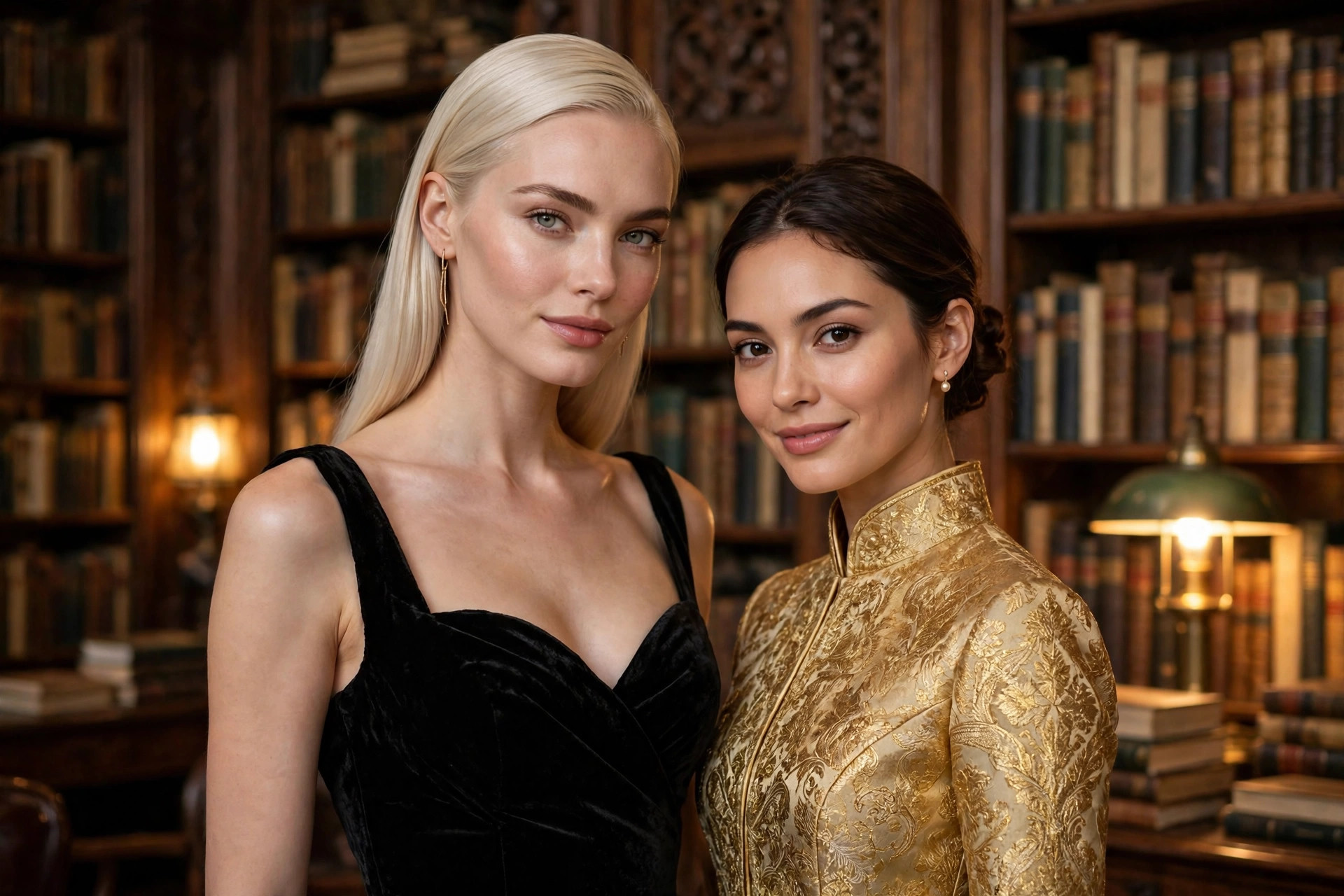
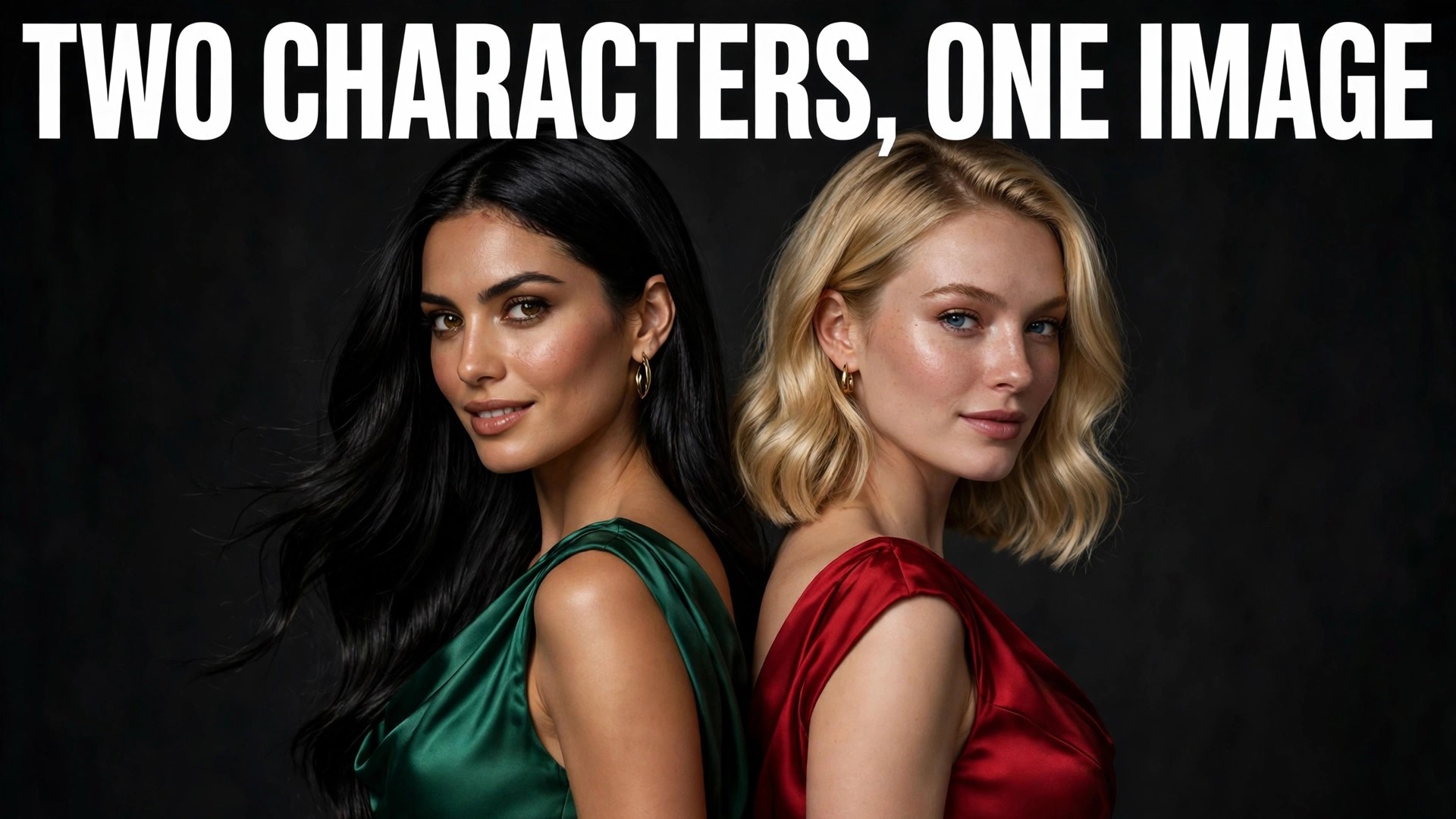
Two adult women at a ballroom bar, full-length portrait. Woman on the left: 28 years old, long straight black hair past her shoulders, olive skin, dark brown eyes, emerald-green satin evening gown, gold earrings, standing with one hand on the bar. Woman on the right: 27 years old, short wavy blonde bob, fair skin, blue eyes, crimson-red evening gown, silver necklace, seated on a bar stool turned toward the camera. Warm chandelier light, marble bar, shallow depth of field.
Note what the example does. Each block names its position first (“woman on the left”) so the traits that follow have an anchor. Each block is complete on its own — if you deleted either block, the other would still describe a full person, which is exactly how the model needs it. And nothing is described by difference: there is no “the taller one”, no “the other wears red”, because comparative descriptions require the model to first build both women and then compare them — a step it does not reliably take. If a trait matters, state it positively, inside the block of the woman it belongs to. Our variations guide covers the same discipline from the other side: changing one element of a scene while holding the rest fixed only works when the fixed parts are fully stated, not implied.
3. Design for contrast: distance is your friend
Blocks tell the model how the prompt is organised; contrast determines whether the organisation survives contact with the attention pool. The rule is simple: the more dimensions on which the two characters differ, the fewer traits are ambiguous. Hair is the strongest lever — opposite colours (black vs blonde, red vs dark brown) and different lengths or textures (long and straight vs a short wavy bob) give “her hair” an unambiguous target. Outfit colour is the second lever: emerald against crimson cannot bleed the way navy against black does, because the colours themselves are far apart. Silhouette is third — a floor-length gown against a short cocktail dress, sleeves against bare shoulders — since bodies that occupy differently shaped regions of the canvas are harder to merge. Height and build differences help too, stated plainly inside the blocks (“tall, athletic build” / “shorter, curvy build”).
The honest corollary: twins are the boss fight. Two genuinely near-identical characters — same hair, same face family, matching outfits — defeat prompt craft alone, because there is almost nothing for attention to bind differently. If the scene needs near-identical characters (uniforms, matching dresses, actual twins), skip ahead: you will need one reference image per character (§5) or regional prompting (§6), and even then you should budget extra generations. Conversely, when you have freedom in the casting, spend it. Most “the model keeps blending them” complaints are, on inspection, two descriptions that differ in exactly one word.
4. Position and composition: give each character a zone
Where a character stands is a trait like any other, and it binds — or fails to — the same way. State positions in camera coordinates: frame left and frame right, foreground and background, never the character’s own left and right (her left hand is on frame right when she faces you, and the model will not do that geometry homework). The vocabulary is the same one our camera-language guide uses for video: the frame is the coordinate system, always. “Woman on the left” at the head of each block, as in the §2 example, is the minimum viable version — every trait in the block inherits the zone.
Then compose defensively, especially while you are still dialling in a pair. Separation beats contact: two figures standing apart, each fully inside her own half of the frame, blend far less than two figures embracing, dancing or holding hands — contact points are where limbs merge and hands multiply, because the model must decide which body each arm belongs to at exactly the place the bodies meet. Avoid overlap: one woman standing directly in front of the other hides a body boundary, and hidden boundaries get invented badly. A foreground/background arrangement works when the depth gap is explicit (“in the foreground”, “two steps behind, out of focus”) — the blur itself becomes a separating trait. Give each zone its own anchor object where you can: the woman at the bar, the woman at the window. Objects partition the canvas into regions the model already understands. Once a pairing is reliable in a separated composition, move them closer in small steps across generations rather than asking for the embrace in the first prompt — you are training your own prompt, one variable at a time.
5. One reference image per character
When prompt craft is not enough — recurring characters, near-identical designs, a specific face that must survive — give the model something stronger than adjectives: a reference image for each character, separately. The workflow is to first generate (or select) a clean solo portrait of each woman — one face, unobstructed, neutral background — using exactly the consistency discipline of our single-character guide. Then bring the pair together: character-reference and face-reference features (Midjourney’s character reference, and the IP-Adapter / face-identity family in local pipelines) let a generation borrow its identity from a supplied portrait instead of inventing one from text.
The two-character catch is that a reference applied to the whole canvas applies to both women — one borrowed face, stamped twice, is just the duplication failure with better fidelity. The fixes, in rising order of effort: apply each reference with a mask or region where the tool supports it, so each portrait governs only its own zone; generate the scene with one referenced character plus one text-described character, then swap — a second pass that adds the other reference to the other region; or build the image as a composite workflow: generate each woman solo against a plain background, then place and blend them in a shared scene pass. None of this is exotic; it is the same masked, region-by-region thinking as §6, done with identities instead of words. What does not work is pasting both reference portraits into one input and hoping — the model averages faces it is given just as happily as faces it invents.
6. Regional prompting: separate prompts for separate zones
The definitive answer to attribute binding is to stop sharing the pool: give each zone of the canvas its own prompt, so the left region literally never sees the words meant for the right. This is regional prompting, and it is a local-setup technique — the honest framing is that browser generators, including ours, take one prompt per generation, while the tools below live in Stable Diffusion WebUI and ComfyUI, the two environments our generator’s power-user readers most often run alongside web tools.
In the WebUI (A1111/Forge), the long-standing Regional Prompter extension splits the canvas into columns or rows and takes a separate prompt per region, separated in the prompt box by the keyword BREAK — a shared base description first, then one block per region, in split order. In ComfyUI, the same idea is built from native parts: separate text encodes per character, each passed through a Conditioning (Set Area) node that confines it to a rectangle of the canvas, merged with Conditioning Combine; the related Attention Couple approach couples each prompt branch to its own mask. Both routes implement §2’s blocks at the mechanism level — the difference is that a block in a flat prompt is a request, while a region is an instruction the sampler enforces spatially. Setup cost is real (an install, a learning curve, a GPU or a rented one), which is why the order of this article is the order to try things: blocks and contrast first, references second, regions when the pair has to be right every time. Whichever route you use, keep the zone layout identical to the positions named in your blocks — region boundaries and camera-coordinate language should describe the same picture.
7. The fix list: symptom, cause, repair
When a two-character generation comes back wrong, it is almost always one of these six failures. Diagnose by symptom, apply the matching repair, and change one thing per re-roll — shotgun edits make the next failure undiagnosable.
| Symptom | What is actually happening | Fix |
|---|---|---|
| The faces are swapped or averaged — each woman has the other’s face, or both share one blended face | Facial traits bound to the wrong zone, or to no zone: face descriptions sat in a shared sentence, or the two faces were described too similarly to separate | Rebuild as sealed blocks (§2) with the position named first; maximise face contrast (eye colour, face shape, makeup); if it persists, assign one reference portrait per character (§5) or repair each face with a masked inpaint using a single-character prompt |
| Outfit bleed — the red dress appears on both women, or colours swap bodies | Colour words are the most mobile traits in the pool; one mention of a colour pulls on every garment in the frame | State each outfit’s colour inside its owner’s block only; choose colours far apart (§3); add the other colour to the negative prompt for that region in regional setups |
| Merged or extra limbs — arms fuse at contact points, a third hand appears | At body boundaries the model cannot tell which body an arm belongs to, so it hedges with extra or shared limbs | Separate the figures (§4) and remove contact from the first generation; give each woman a distinct, simple pose with arms in unambiguous positions; repair the contact zone with a masked inpaint at moderate strength |
| One character duplicated — the same woman twice, in two outfits | The stronger description won the whole canvas: one block was detailed, the other thin, so the model reused the complete person it had | Balance the blocks — equal length, equal specificity; strengthen contrast (§3); count explicitly in the scene sentence (“exactly two different women”) |
| The second character is missing or half-formed — one full woman, one fading extra at the edge | Counting is soft (§1): a busy prompt or a cramped composition let the model drop a subject it could not place | Simplify the scene, widen the canvas, give the second character an anchor object and a full block; move her out of the frame edge into a named zone |
| Hair swaps or mixes — the blonde gets black roots, both get the same mid-brown | Hair colour and length are high-pull traits; adjacent heads let them trade | Put physical space between heads; contrast length and texture as well as colour (“short wavy bob” vs “long straight”); restate hair inside each block, never in a shared opening line |
Note the pattern in the right-hand column: almost every repair is either more structure (blocks, zones, contrast) or a smaller repair area (masked inpaint with a one-character prompt). That is not a coincidence — it is the whole theory of this article in one line. A masked inpaint deserves its one-paragraph method: select only the broken region, prompt only the character who owns that region, and run at moderate denoising strength so the repair blends at the edges without redrawing the neighbourhood. It converts an unsolvable two-character problem into two easy one-character problems, sequentially — which is why it rescues images that no amount of full-canvas re-rolling fixed.
8. The two-character workflow, end to end
Step 1 — cast on paper. Write the two blocks (§2) before opening any tool, with contrast (§3) designed in: different hair, different outfit colours, different silhouettes. Step 2 — solo portraits. Generate each woman alone; pick the portrait where her design reads cleanly. These become your references (§5) and your ground truth for judging blends. Step 3 — compose separated. First pair generation in a defensive composition (§4): apart, un-overlapped, each in her named zone, on our image generator or your tool of choice. Judge it against the solo portraits, trait by trait. Step 4 — close the distance gradually. Across generations, move the pair into the scene’s real composition — closer, then contact — re-checking after each move; the step where blending starts tells you which trait needs strengthening. Step 5 — repair, don’t restart. Run the fix list (§7) on the best frame: masked inpaints for the broken regions, a face-detail pass if faces softened. Step 6 — lock the recipe. Save the final blocks, positions and settings with the image; a recurring pair is a standing asset, and next session you start from a known-good prompt instead of from memory. If the pair must be right at scale — a series, a comic, a character roster — that is the point where the regional setup of §6 pays for its learning curve.
9. Bottom line
Two characters blend because a flat prompt is a shared pool, and everything in this guide is a way of building walls inside it: sealed description blocks, deliberate contrast, named zones in camera coordinates, a reference portrait per woman, regional prompts where the tool supports them, and masked single-character repairs when a wall leaks. None of it requires a better model — the same generator that averaged your two heroines into one person will keep them impeccably separate once the prompt stops asking it to guess who is who. Structure first, then generate.
Frequently Asked Questions
Why do my two AI characters keep merging into one person?
Because a single prompt is one shared pool of attention. The model converts your whole description into one set of signals, and traits like hair colour, outfits and facial features are not automatically bound to a specific character — researchers call this attribute binding failure. Where two descriptions are similar, the model splits the difference. The fixes are structural: sealed per-character description blocks, strong contrast between the designs, a named position for each character, and, if needed, one reference image per character or regional prompting.
How do I write a prompt for two different characters?
Write two self-contained blocks, one per character, in the same order — position, age, hair, face, outfit, pose — and make each block complete on its own. Name the position first (“woman on the left:”), state every trait positively inside its owner’s block, and never describe by difference (“the other one wears blue”). Keep the blocks balanced in length and detail: a thin description loses to a detailed one, and the detailed character gets generated twice.
Can I use a different reference photo for each character?
Yes — and it is the strongest fix short of regional prompting. Generate or select a clean solo portrait of each character first. Then apply each reference with a mask or region so it governs only its own character’s zone. Applying one reference to the whole canvas stamps that face on both women, and feeding both portraits into a single unmasked input averages them. Where a tool only accepts one reference, reference the harder character and describe the other, or build the pair in two passes.
What is regional prompting, and do I need it?
Regional prompting gives each zone of the canvas its own prompt, so traits cannot cross between zones: the Regional Prompter extension in Stable Diffusion WebUI (regions separated by the BREAK keyword) and area conditioning in ComfyUI (Conditioning Set Area plus Conditioning Combine) are the standard routes. You need it when prompt blocks, contrast and references still let traits swap — typically near-identical characters or a recurring pair that must be right every time. It is a local-setup technique; browser generators take one prompt per generation.
How do I fix swapped faces or outfits that bleed between characters?
Do not re-roll the whole image and hope. Select the broken region with a mask and inpaint it using a prompt that describes only the character who owns that region, at moderate denoising strength. For outfits, also restate each colour inside its owner’s block and pick colours further apart. For faces, increase contrast between the two face descriptions or assign each face its own reference portrait. One region, one character, one fix at a time — that converts a two-character problem into two easy one-character problems.
Does this work for two characters in an AI video, too?
The still image is where the battle is won. AI video tools mostly animate an existing image or extend a scene, so generate the two-character frame with the methods in this guide — blocks, contrast, zones, references — and then animate that locked frame with an image-to-video tool. Movement adds its own drift over long clips, which is why our camera-language guide recommends short, single-action shots; but a pair that starts blended will never un-blend in motion, while a clean, well-separated still gives the video model two distinct people to move.