 5s
⚡ Generate
No source image needed. Write a short fictional scene — characters, action, camera — and SpicyLab’s AI video generator turns your words into motion.
Pick an effect, upload your photo, and the built-in recipe does the rest. Same photo, far more reliable results.
You have been writing prompts by hand. Templates skip all of that — pick a card below, upload your photo, and get the same scene in one click.
5s
⚡ Generate
 NEW 5s
⚡ Generate
 NEW IMAGE
⚡ Generate
 NEW IMAGE
⚡ Generate
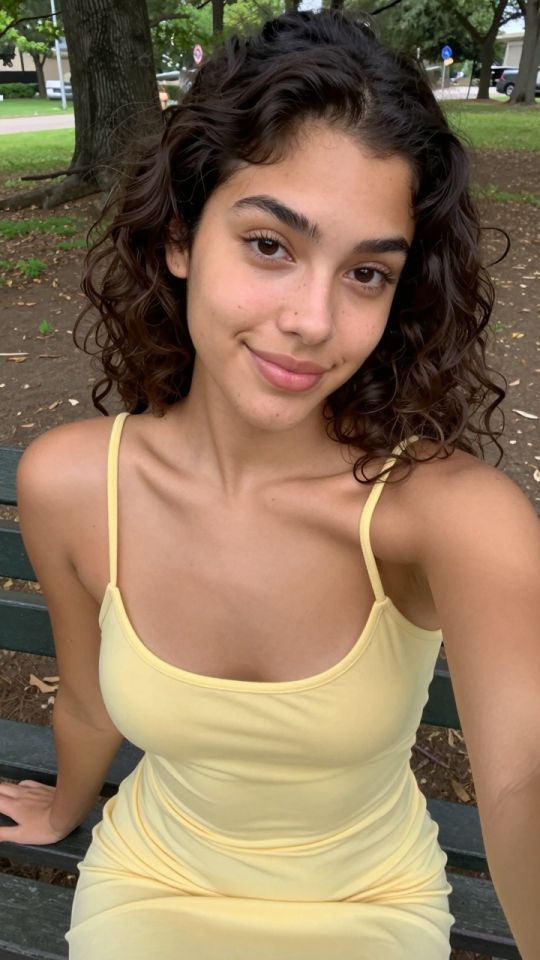
 NEW 5s
⚡ Generate
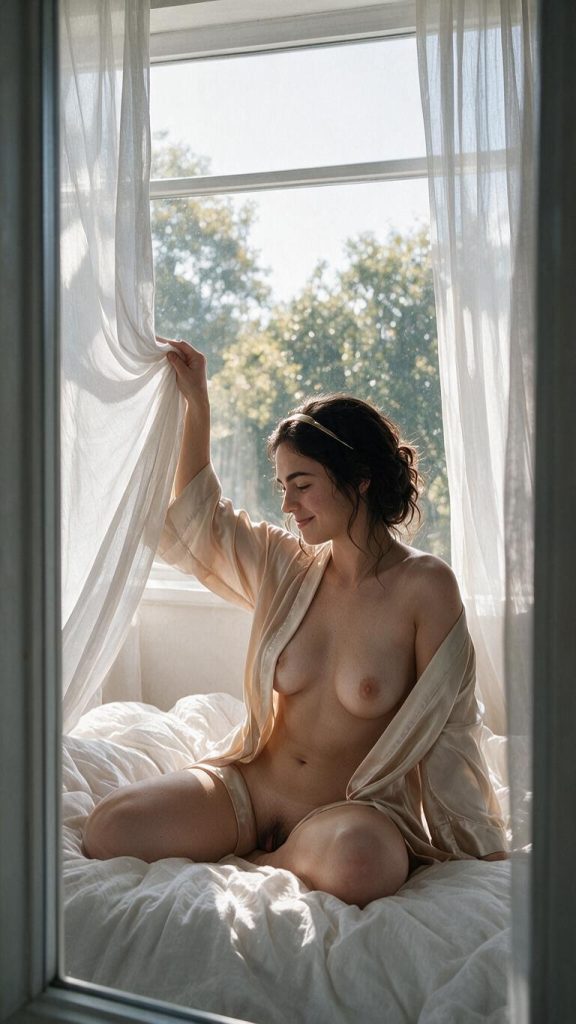
 NEW IMAGE
⚡ Generate
 5s
⚡ Generate
 5s
⚡ Generate
 NEW IMAGE
⚡ Generate
 5s
⚡ Generate
 NEW IMAGE
⚡ Generate
 IMAGE
⚡ Generate
Video costs more credits than images, so direction matters even more. Plan before you generate.
Describe fictional adult characters, the action, the environment, and the camera move — for example, a slow tracking shot through a neon corridor. One continuous action per clip.
Choose your output length. Video is billed per second, so the exact credit cost is shown before you confirm — start short while you refine direction.
Watch the result, keep the strongest take, then adjust one element — action, camera, or setting — and generate again.
Two video workflows. Pick based on what you already have.
| Workflow | Starts with | Control | Best when |
|---|---|---|---|
| Text to Video | Written scene | The model invents the visuals | You have no source image and want to explore concepts fast |
| Image to Video | A still you upload | You lock the first frame; AI adds motion | You already love a generated image and want it animated |
Tip: generate the perfect still with the AI image generator first, then animate it — it saves credits versus blind text-to-video attempts.
Test a fictional scenario in motion before investing in longer, higher-cost renders.
Explore tracking shots, slow pushes, and orbiting moves with written camera direction.
Generate ambient motion — fabric drifting, light shifting, reflections changing — for mood pieces.
See how a fictional character reads in motion: walk cycles, gestures, and expression shifts.
Block out individual beats of a longer concept as separate short clips.
Compare how the same written scene renders across different visual mediums and moods.
A video prompt is a shot description, not a mood board. Direct it like a shot.
Cover these four in order: who (fictional adult characters with clear ages) → what happens (one continuous action) → where (environment and lighting) → camera (shot type and movement). If the camera direction is missing, the model picks one at random — and randomness is the enemy of a good take.
“Fictional adult woman, age 30, walking slowly through a neon-lit corridor at night, reflections shifting across the walls, subtle fabric movement, slow tracking shot following from behind, cinematic lighting”
When the exact look matters, generate the still first with the AI image generator and animate it via image-to-video — you control the first frame. When speed of exploration matters, text-to-video gets you moving from words alone. For a deeper comparison, read image-to-video vs text-to-video.
Longer clips cost more credits. The exact cost is always shown before you generate, and failed jobs refund automatically.
An AI porn video generator creates short adult video clips with AI. SpicyLab offers two workflows: text-to-video, which generates motion directly from a written scene, and image-to-video, which animates a still image you provide. All subjects must be fictional adults.
Text-to-video starts from words alone — the model invents the visuals. Image-to-video starts from a still you upload, so you control the first frame and the AI adds motion. Use image-to-video when the exact look matters; use text-to-video when you want to explore from scratch.
Video is billed per second of output — longer videos cost more credits. The exact cost is shown before every generation, and credits reserved for failed jobs return automatically.
The free guest preview covers one watermarked Standard image only. Video generation requires an account and credits because of its higher compute cost.
Write the prompt as a shot description: who, what happens (one action), where, and an explicit camera move. Start with short clips while you refine direction — it costs fewer credits per attempt.
Yes. Creations remain private by default unless you deliberately publish an eligible result. Upload-derived results cannot be published.
Minors or age-ambiguous subjects, non-consensual intimate imagery, and unauthorized real-person likenesses are prohibited — in uploads and in prompts.
Start with a short clip — the exact credit cost is shown before you generate, and failed jobs refund automatically.
Adults 18+ only. Fictional adult content exclusively. Video generation requires an account and credits; the free guest preview covers one Standard image only.
Analyzing your photo…
Your result will appear right here — keep this open.
0:00
Your image is deleted after generation.
Browse filesFailed jobs are refunded automatically. Results land in My Collection.