AI Image Variations: How to Create Different Versions of the Same Picture (2026)
October 18, 2026
🔞 18+ Only: This guide covers AI image generation for adult content. All examples describe fictional adult characters. You must be of legal adult age in your jurisdiction to use these tools.
You finally generated her — the perfect fictional character, the exact vibe, the composition that works. Now you want more of her: same woman, different pose. Same scene, golden hour instead of noon. Same prompt, ten fresh takes to pick from. That’s where AI image variations come in — and most creators either don’t know the technique exists or use it wrong, burning credits on full regenerations when a controlled variation would do.
This guide explains what variations actually are, how they differ from inpainting and plain regeneration, and the exact settings (seeds, strength, prompt tweaks) that give you “same but different” instead of “different and worse.”
Quick verdict: Variations give you same-but-different versions of one good image instead of burning credits on blind regenerations. Scout with 4-6 fresh seeds, lock the winning seed as your character’s anchor, then change one prompt element at a time – outfit, pose, lighting, background. Fix the winner with inpainting and upscale once at the end.
1. The Short Version
| Method | What Changes | What Stays | Best For |
|---|---|---|---|
| Variations | Details, pose, composition drift | Overall look, style, subject identity (mostly) | Exploring options from one good prompt |
| Seed reuse + prompt tweak | Exactly what you changed in the prompt | Everything else, pixel-near identical | Surgical changes: outfit, background, lighting |
| Inpainting | Only the masked region | The entire rest of the image | Fixing or swapping one element |
| Full regenerate | Everything | Nothing guaranteed | When the whole concept is wrong |
The rule of thumb: variations to explore, seed-locked tweaks to control, inpainting to fix. Pick the cheapest method that solves your problem.
2. What “Variations” Actually Means
When a generator makes variations of an image, it re-runs the diffusion process starting from a similar (but not identical) noise pattern, guided by the same or a slightly modified prompt. The result: images that feel like siblings — same style, same general subject, same mood — but with meaningful differences in pose, framing, and detail.
This is different from img2img (which starts from your actual image and only denoises partway) and from inpainting (which regenerates only a masked region). Variations are the loosest, most exploratory option — the creative equivalent of “show me ten more like this.” If you want to understand the full editing toolkit, our image editing guide covers inpainting, outpainting, and instruction edits in depth.
Most tools offer variations in two flavors:
- Prompt-based variations: same prompt, new random seeds — pure exploration. You get 4 genuinely different takes on the same idea.
- Image-based variations: upload a reference image and the tool generates siblings of it — closer to the original, but never identical. (This overlaps with img2img; the difference is how much of the original structure is preserved.)
3. The Seed: Your Secret Control Lever
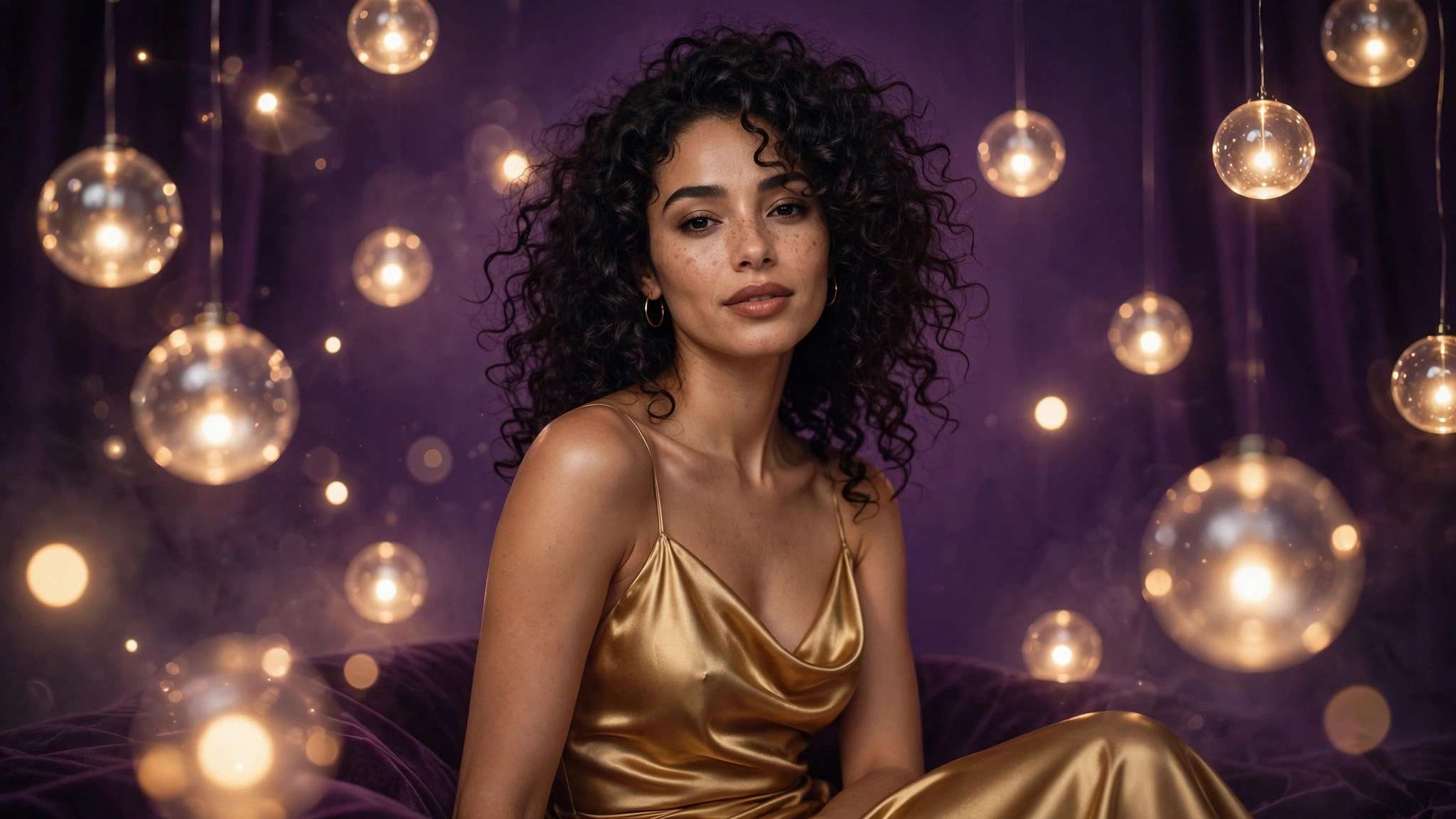
Here’s the concept that separates casual users from power users: the seed. Every AI image starts from a random noise pattern, and the seed is the number that determines that pattern. Same prompt + same seed = same image, every time. Change the seed, keep the prompt = a variation.
Why this matters:
- Reproducibility: found a seed that produces a face you love? Lock it in. You can now generate that same character in new poses and outfits by changing the prompt while keeping the seed — the closest thing to a “consistent character” that pure prompting offers. (For true cross-session consistency, see our character consistency guide.)
- Surgical edits: want the same image but with a red dress instead of blue? Same seed, swap one word in the prompt. The composition stays nearly identical; only the described element changes. This is far more reliable than variations for targeted changes.
- Batch exploration: run the same prompt across 6–8 seeds, pick the best composition, then lock that seed for all follow-up work. This is the professional workflow — explore wide, then commit.
How to use it in practice: generate in batches and note which seed produced your favorite. Then iterate: same seed + small prompt changes for controlled tweaks, or same prompt + new seeds for fresh explorations. SpicyLab’s AI Porn Generator lets you reroll seeds freely — treat the first batch as scouting, not as the final product.
4. The “I Want X → Do Y” Recipe Table
Stop guessing which technique to use. Find your goal, use the method:
| I Want… | Do This | Why It Works |
|---|---|---|
| Ten different takes on my prompt | Same prompt, 6–10 new seeds | Pure variation — maximum diversity, zero extra skill |
| Same image, different outfit | Same seed, change only the outfit words | Seed locks composition; prompt change swaps the element |
| Same character, new pose | Same seed, rewrite the pose/action phrase | Identity anchors to the seed; action follows the new prompt |
| Same scene, different lighting | Same seed, change lighting descriptors | Composition frozen, mood re-rendered |
| Fix just the face | Inpaint the face region | Variations would change everything; inpainting changes one thing |
| A wider version of my image | Outpaint the canvas | Variations can’t extend borders — outpainting can |
| My favorite, but sharper | Upscale the winner | Don’t upscale the whole batch — pick first, enhance last |
5. Common Variation Failures (and Fixes)
“The variations all look the same.” Your prompt is too prescriptive — every detail locked down leaves the model no room to diverge. Loosen it: remove 2–3 adjectives, let the seed do the creative work.
“The variations look nothing like the original.” You’re asking for too much drift, or the tool’s variation mode is loose by design. Switch to the seed-lock method: same seed, small prompt changes. If identity still drifts, the prompt change was too big — change one element at a time.
“Her face changes in every version.” Faces are the least stable element across variations — they’re high-detail regions the model re-renders aggressively. Fix the winner with inpainting, or use face swap to re-anchor a favorite face onto a favorite body. (Our troubleshooting guide has the full face-fix playbook.)
“I changed one word and the whole image changed.” Some prompt words are load-bearing — style terms, artist names, and composition words (“close-up,” “wide shot”) reshape everything. Change descriptive words (colors, clothing, small props) for surgical results; expect composition words to rebuild the image.
“Batch generation is eating my credits.” Then batch smarter: run small (4 per round), kill bad directions early, and only go deep on prompts that already show promise. Ten seeds on a weak prompt is ten wasted generations. And remember — prompt quality is the real multiplier. Our prompt guide shows how to write prompts that vary well.
6. The Variation-First Workflow
Put it together and the professional loop looks like this:
- Scout: write your prompt, generate 4–6 seeds. Judge composition and vibe, not details.
- Commit: pick the best seed. This seed is now your character’s anchor.
- Iterate: same seed + targeted prompt tweaks for outfit, pose, lighting, background — one change per generation.
- Fix: inpaint the face, hands, or artifacts on your favorite using SpicyLab’s AI Image Editor.
- Finish: upscale the final winner with the AI Image Upscaler.
This is why variations beat blind regeneration: each step narrows the search instead of restarting it. Scout wide, commit early, iterate with the seed locked — and you’ll spend half the credits for twice the keepers.
7. FAQ
What are AI image variations?
New images generated from the same (or slightly modified) prompt with different random seeds — sibling images that share style and subject but differ in details, pose, and composition.
What is a seed in AI image generation?
The number that determines the starting noise pattern. Same prompt + same seed always produces the same image, which makes seeds the key to reproducible, controllable results.
How do I keep the same character across variations?
Reuse the same seed and change only small parts of the prompt (outfit, pose, lighting). For stronger cross-session consistency, combine seed-locking with reference-based techniques from our character consistency guide.
Variations vs. inpainting — which should I use?
Variations explore broadly (whole image changes); inpainting fixes surgically (only the masked region changes). Use variations to find a direction, inpainting to perfect it.
Why does one changed word rebuild my whole image?
Some words are load-bearing — style terms, artist names, and composition words reshape the entire render. Stick to descriptive words (colors, clothing, props) for surgical changes.
Should I upscale before or after making variations?
After. Generate and iterate at working resolution, pick your winner, fix flaws, then upscale once at the end.
{“@context”: “https://schema.org”, “@type”: “FAQPage”, “mainEntity”: [ {“@type”: “Question”, “name”: “What are AI image variations?”, “acceptedAnswer”: {“@type”: “Answer”, “text”: “New images generated from the same (or slightly modified) prompt with different random seeds — sibling images that share style and subject but differ in details, pose, and composition.”}}, {“@type”: “Question”, “name”: “What is a seed in AI image generation?”, “acceptedAnswer”: {“@type”: “Answer”, “text”: “The number that determines the starting noise pattern. Same prompt + same seed always produces the same image, making seeds the key to reproducible, controllable results.”}}, {“@type”: “Question”, “name”: “How do I keep the same character across variations?”, “acceptedAnswer”: {“@type”: “Answer”, “text”: “Reuse the same seed and change only small parts of the prompt (outfit, pose, lighting). For stronger cross-session consistency, combine seed-locking with reference-based techniques.”}}, {“@type”: “Question”, “name”: “Variations vs. inpainting — which should I use?”, “acceptedAnswer”: {“@type”: “Answer”, “text”: “Variations explore broadly (whole image changes); inpainting fixes surgically (only the masked region changes). Use variations to find a direction, inpainting to perfect it.”}}, {“@type”: “Question”, “name”: “Why does one changed word rebuild my whole image?”, “acceptedAnswer”: {“@type”: “Answer”, “text”: “Some words are load-bearing — style terms, artist names, and composition words reshape the entire render. Stick to descriptive words for surgical changes.”}}, {“@type”: “Question”, “name”: “Should I upscale before or after making variations?”, “acceptedAnswer”: {“@type”: “Answer”, “text”: “After. Generate and iterate at working resolution, pick your winner, fix flaws, then upscale once at the end.”}} ]}