AI Porn Prompts That Actually Work: How to Write Better Prompts (2026 Guide)
October 10, 2026
🔞 18+ Only: This guide covers prompt-writing techniques for adult AI image generation. All examples describe fictional adult characters. You must be of legal adult age in your jurisdiction to use these tools.
Most bad AI generations aren’t the model’s fault — they’re the prompt’s fault. Two users can type the same idea into the same AI porn generator and get wildly different results: one gets a polished, coherent image, the other gets a melted mess. The difference is almost always prompt craft.
In this guide, I’ll break down exactly how to write AI porn prompts that work: the anatomy of a strong prompt, copy-paste formulas for common scenarios, the negative prompts that fix the most common defects, and the mistakes that silently ruin generations. Everything here applies to text-to-image generation generally, and I’ll note where SpicyLab-specific features (like character consistency with seeds and reference images) plug in.
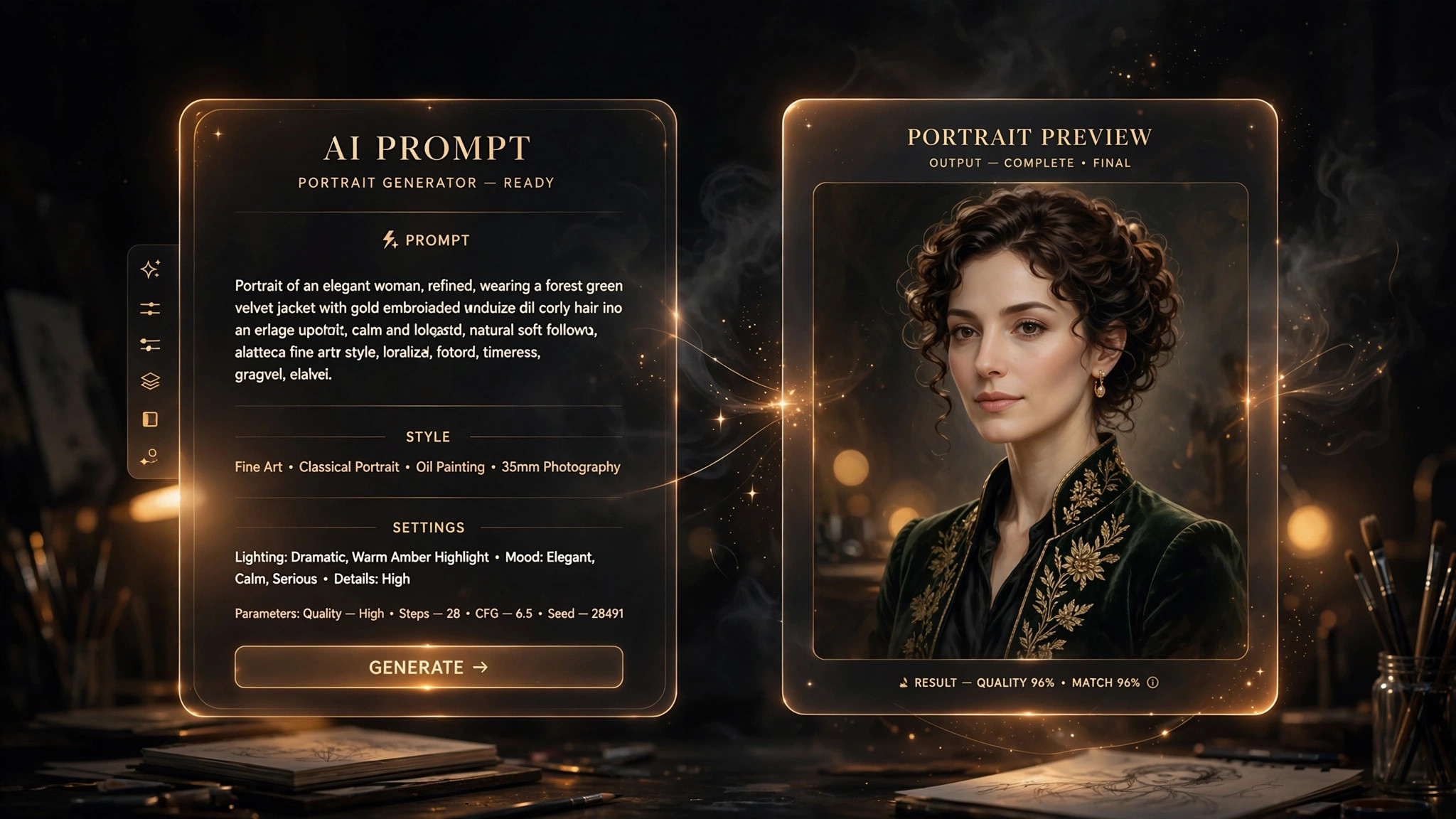
⚡ The Short Version: What Makes a Prompt Work
If you read nothing else, remember this formula:
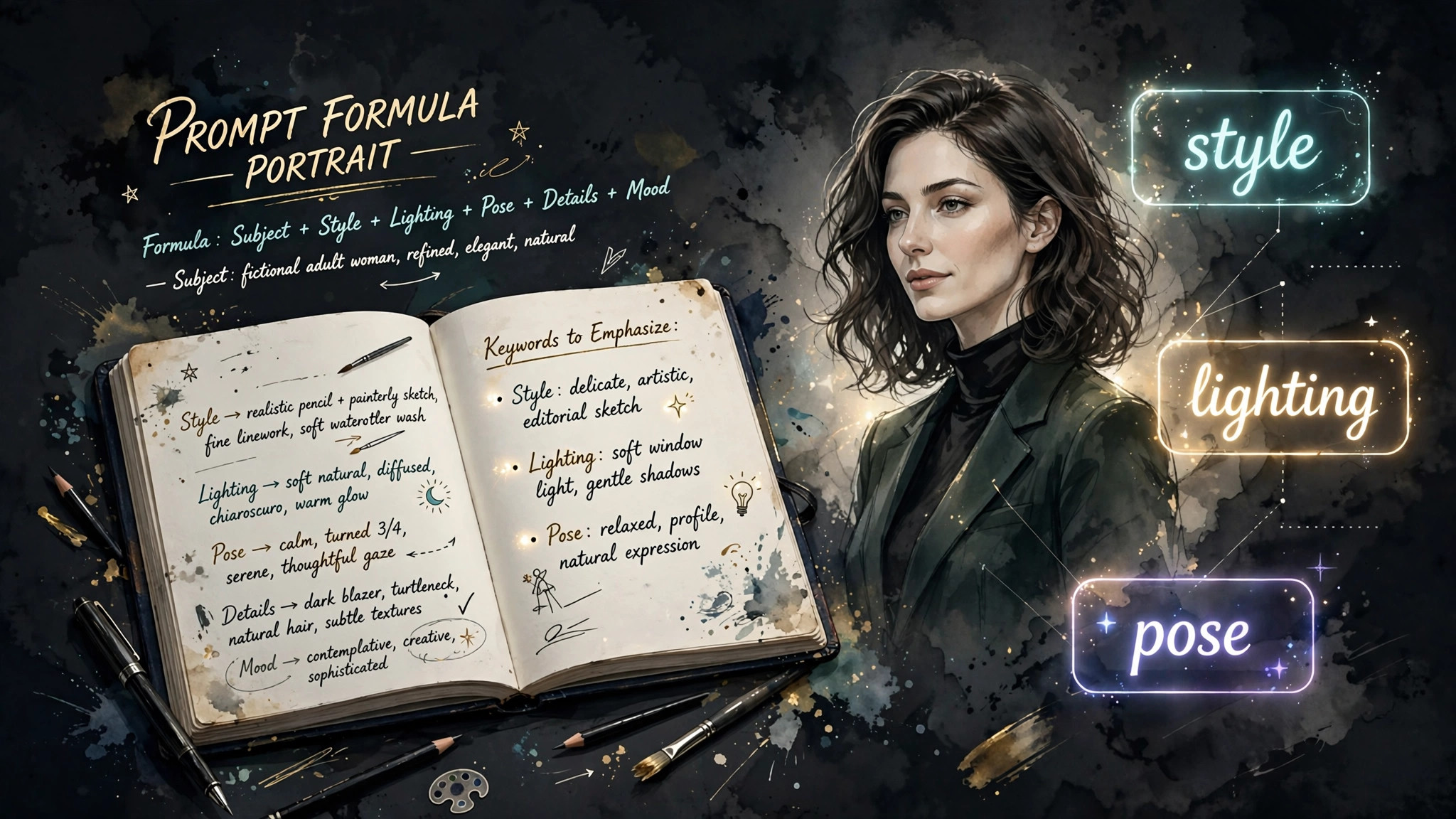
[Subject] + [Action/Pose] + [Setting] + [Lighting] + [Style] + [Quality tags]
Weak prompt: “sexy girl”
Strong prompt: “photorealistic portrait of a fictional adult woman in her late 20s, confident smile, long auburn hair in soft waves, standing in a sunlit loft apartment, golden hour light through tall windows, shallow depth of field, 85mm lens look, highly detailed skin texture, professional photography, 4k”
The strong version gives the model five things the weak one doesn’t: a concrete subject, a setting, lighting direction, a style anchor, and quality signals. Every section below expands one of those levers.
1. Start With a Concrete Subject, Not a Vibe
“Sexy girl” fails because the model has to guess everything: age cues, hair, body type, clothing, expression, framing. Every guess is a roll of the dice, and dice produce inconsistency. A concrete subject removes the guessing:
- Identity anchors: “fictional adult woman in her late 20s” beats “girl” — it sets age cues the model renders consistently and keeps everything in adult-only territory.
- Two or three distinguishing features: hair color and style, one facial feature, one body descriptor. More than four and the model starts dropping details.
- One expression or mood: “confident smile,” “sleepy morning gaze,” “playful smirk.” Expressions are high-impact and cheap — always include one.
Example upgrade path:
| Level | Prompt fragment | What changes |
|---|---|---|
| Vague | “beautiful woman” | Model guesses everything |
| Better | “fictional adult woman, long black hair, green eyes” | Identity locks in |
| Strong | “fictional adult woman in her late 20s, long black hair in a high ponytail, green eyes, freckles, soft confident smile” | Recognizable, repeatable character |
If you want the same character across multiple images, pair this with a fixed seed and a reference image — the full technique is covered in our character consistency guide.
2. Describe the Pose and Framing Like a Photographer
Models understand photographic language far better than abstract description, because their training data is captioned in photographic terms. Talk like a photographer:
- Shot type: “close-up portrait,” “full-body shot,” “three-quarter view,” “over-the-shoulder,” “low angle,” “dutch angle.”
- Pose verbs: “leaning against a doorway,” “stretching with arms overhead,” “looking back over her shoulder,” “sitting cross-legged on rumpled sheets.”
- Framing cues: “centered composition,” “rule of thirds,” “negative space above,” “cropped at the waist.”
Pose is also where most anatomical errors start. Vague poses (“standing”) are safe; complex multi-limb poses (“yoga pose with one leg behind her head”) are where hands and joints go wrong. If you want an ambitious pose, keep everything else in the prompt simple so the model can spend its “attention budget” on the pose — and always add anatomical negative prompts (section 5).
3. Setting and Lighting Do Half the Work
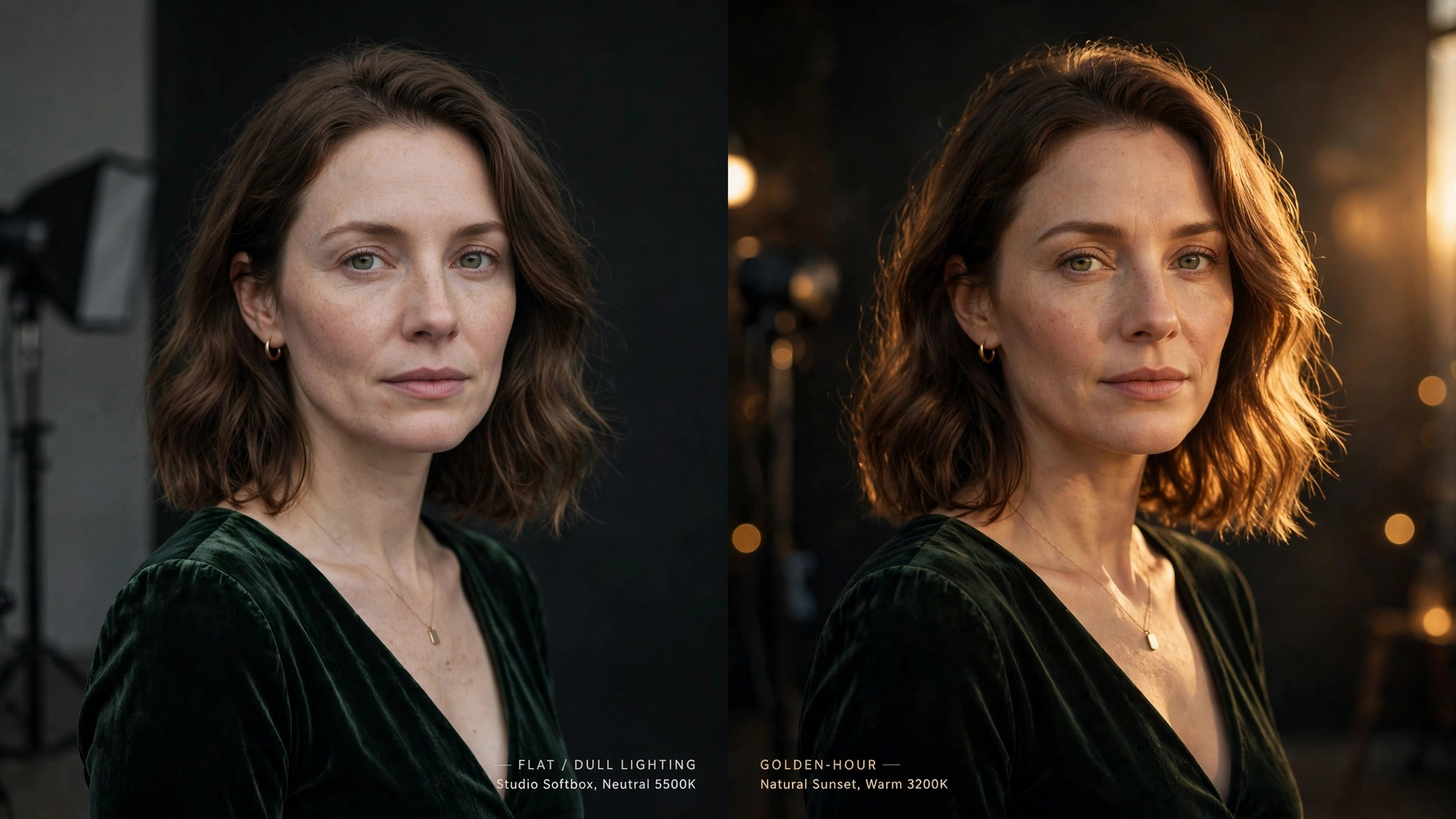
Beginners obsess over the subject and ignore the environment. Experienced prompters know the setting and lighting carry the image’s mood, realism, and perceived quality:
- Setting with texture: “neon-lit Tokyo alley at night, rain-slicked pavement reflecting signs” beats “city background.” Specific textures (rain, dust, fabric, foliage) give the model detail to render.
- Named lighting: “golden hour,” “soft window light,” “neon rim lighting,” “candlelight,” “overcast daylight,” “studio softbox.” Named lighting setups are some of the highest-leverage words in any prompt.
- Atmosphere words: “morning haze,” “cigarette smoke curling,” “dust motes in sunbeams,” “steamy bathroom mirror.” One atmosphere word can transform a flat render.
4. Style Anchors: Tell the Model Which Universe It’s In
Without a style anchor, the model blends styles into a generic middle. One or two style phrases lock the aesthetic:
- Photorealistic: “photorealistic,” “shot on 85mm f/1.4,” “candid phone photo,” “film grain, Kodak Portra 400.”
- Anime: “anime style, clean lineart, cel shaded, vibrant colors” — see our art styles guide for the full breakdown of realistic vs. anime vs. 3D vs. fantasy.
- 3D/CGI: “3D render, octane render, subsurface scattering, unreal engine 5.”
- Painterly: “oil painting, impasto brushwork,” “watercolor,” “art nouveau illustration.”
Don’t stack conflicting styles (“photorealistic anime oil painting”) — the model averages them into mush. Pick one lane. And put the style anchor early in the prompt; position correlates with influence.
5. Negative Prompts: The Defect Eraser
Negative prompts tell the model what to avoid, and for adult generation they’re nearly as important as the main prompt. A solid universal negative prompt:
“deformed, mutated, disfigured, extra limbs, missing limbs, extra fingers, fused fingers, malformed hands, blurry, low quality, watermark, text, logo, oversaturated, cartoonish (unless you want cartoon), childlike features”
Why this matters: hands, fingers, and joints are the classic AI failure points, especially in adult imagery where poses get ambitious. The negative prompt doesn’t guarantee perfection, but it measurably reduces defect rates. Layer scenario-specific negatives on top:
- Portraits: add “asymmetric eyes, cross-eyed, bad teeth.”
- Full body: add “disproportionate body, elongated torso, extra legs.”
- Couples/scenes: add “merged bodies, morphing faces, duplicated features” — multi-person scenes are the hardest case; keep poses simple.
6. Copy-Paste Prompt Formulas
Here are five field-tested templates. Replace the bracketed parts and generate:
Formula A — Photorealistic portrait:
“photorealistic close-up portrait of [a fictional adult woman in her late 20s, copper-red pixie cut, light freckles], [soft knowing smile], [sitting by a rain-streaked café window], [overcast daylight, soft shadows], [shot on 50mm f/1.8, shallow depth of field], [highly detailed skin texture, natural makeup, film grain]”
Formula B — Full-body scene:
“full-body shot of [a fictional adult woman, athletic build, long braided dark hair], [walking toward camera on a sunlit beach boardwalk], [golden hour backlight, lens flare], [candid photography style, motion in hair and clothing], [sharp focus, 4k, natural colors]”
Formula C — Anime style:
“anime illustration of [a fictional adult woman in her mid 20s, twin-tails, violet eyes], [playful wink, peace sign], [rooftop at sunset, city skyline], [warm rim lighting, dramatic clouds], [clean lineart, cel shading, vibrant colors, studio quality]”
Formula D — Moody / cinematic:
“cinematic photo of [a fictional adult woman, tousled blonde bob], [leaning in a neon-lit bar doorway, cigarette smoke curling], [night, magenta and cyan neon rim light], [anamorphic lens look, film still, shallow focus], [moody atmosphere, high detail]”
Formula E — 3D render:
“3D character render of [a fictional adult woman, stylized realism, silver undercut], [arms crossed, confident stance], [minimalist studio backdrop, gradient lighting], [octane render, subsurface scattering, ultra detailed], [clean composition, 8k]”
7. The 5 Mistakes That Ruin Prompts
- Contradictory instructions. “Photorealistic anime girl, daytime night scene” — the model can’t satisfy both halves and produces neither well. One style, one lighting setup, one time of day.
- Prompt bloat. Past ~60-80 words, the model starts ignoring the tail. Prioritize: subject → pose → setting → lighting → style → quality tags. Cut adjectives that repeat the same idea.
- Over-specifying the unimportant. Spending 30 words on the wallpaper pattern while the pose gets three words guarantees a great room and a broken body. Weight follows word count.
- No negative prompt. Skipping it is the single biggest avoidable quality loss, especially for hands and anatomy.
- Changing everything between retries. Got a near-miss? Change one element and regenerate with the same seed. Shotgun re-rolling with rewritten prompts teaches you nothing about what worked.
8. Iterating Like a Pro: The Refinement Loop
Professionals don’t write one perfect prompt — they run a loop:
- Draft with the formula (subject + pose + setting + lighting + style + quality).
- Generate 2–4 variants and pick the best composition, ignoring small defects.
- Lock the seed of the winner so the composition stays fixed.
- Fix one thing per iteration: strengthen the negative prompt for defects, add one lighting word for mood, swap one style phrase.
- Upscale at the end — generate at a moderate size, then upscale rather than generating huge directly. It’s faster and often cleaner.
This loop is where prompt skill compounds: after a dozen sessions you’ll have a personal library of phrases you know work, and first-try quality climbs fast.
FAQ
How long should an AI porn prompt be?
Aim for 30–60 words covering subject, pose, setting, lighting, style, and quality tags. Longer prompts dilute — the model pays less attention to words at the end, so put the most important details first.
What is a negative prompt and do I need one?
A negative prompt lists things the model should avoid (deformed hands, extra limbs, blurry, watermark). For adult image generation it’s close to essential — it measurably reduces the anatomical defects these models are prone to.
Why do my generations look different every time with the same prompt?
Because the starting noise is random each run. Use a fixed seed to lock a composition, then iterate on the wording. Our character consistency guide covers seeds and reference images in depth.
Do prompt tricks differ between realistic and anime styles?
The structure is the same, but the vocabulary differs: photographic terms (85mm, f/1.4, film grain) for realism; illustration terms (cel shading, lineart, vibrant) for anime. Mixing the vocabularies confuses the model — see our art styles guide.
Can I copy prompts from other people?
Yes — studying and adapting others’ prompts is the fastest way to learn. But prompts are tuned to specific models; a prompt that sings on one generator may need adjustment on another. Treat shared prompts as starting points, not guarantees.
What’s the fastest way to get better at prompting?
Change one variable at a time with a locked seed, and keep a notes file of phrases that worked. Within a few sessions you’ll build an intuition for which words move the image and which are decoration.