How to Generate AI Porn Videos: Text-to-Video Beginner’s Guide (2026)
October 12, 2026
🔞 18+ Only: This guide covers AI video generation for adult content. All examples describe fictional adult characters. You must be of legal adult age in your jurisdiction to use these tools.
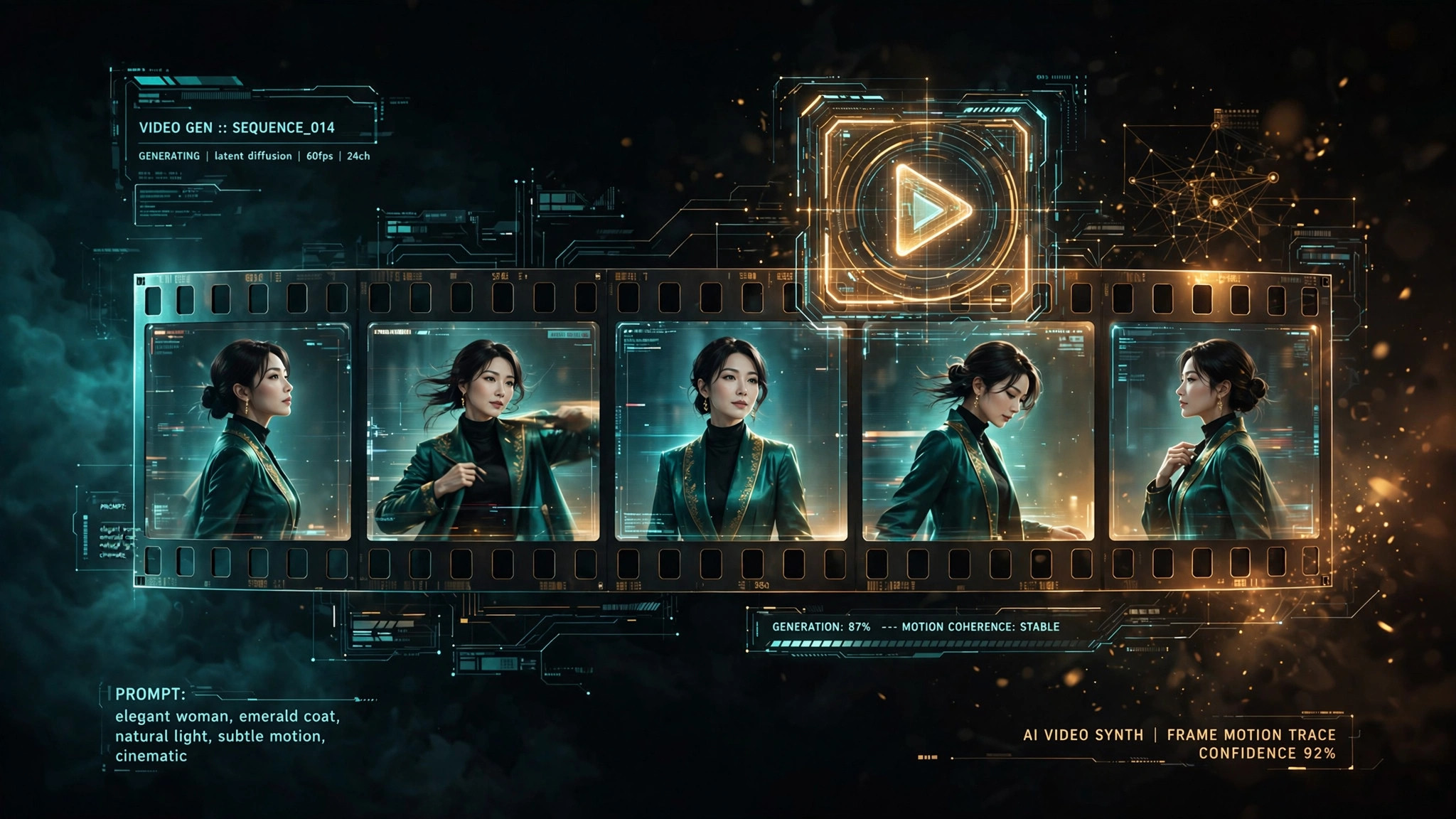
Still images are only half the story. In 2026, AI porn video generators can turn a text prompt — or one of your finished images — into a short moving clip: a slow head turn, hair drifting in a breeze, a subtle smile forming. The results can be strikingly lifelike, but video is also where expectations collide hardest with reality: short clips, morphing faces, and motion that occasionally looks like the subject is underwater.
In this guide, I’ll walk through exactly how to generate AI porn videos that look good: text-to-video vs. image-to-video, how to prompt for motion, what affects quality, what it costs, and the realistic limits of the technology in 2026.
⚡ The Short Version
- Image-to-video beats text-to-video for quality. Generate a great still first, then animate it — the fixed first frame anchors everything.
- Keep clips short and motion simple. 4–10 seconds with one motion and one camera move is the sweet spot.
- Prompt the motion, not just the scene. Camera language (slow push-in, gentle pan) is the highest-leverage vocabulary.
- Video costs multiples of images. Budget it as a premium action — animate your keepers, not your drafts.
- Expect minor artifacts. Slight morphing and floaty motion are normal in 2026; they’re technology limits, not user error.
1. Text-to-Video vs. Image-to-Video: Pick the Right Mode
| Mode | How It Works | Best For | Watch Out |
|---|---|---|---|
| Text-to-video | Clip generated directly from a written prompt | Quick experiments, exploring ideas fast | Subject and style can drift between frames |
| Image-to-video | A still image is animated with a motion prompt | Reliable, good-looking clips | You need a great source image first |
The workflow experienced creators settle on: generate the perfect still with a text-to-image model first, then animate it. Nail the subject, lighting, and composition as a still (our prompt guide covers this), and the video step becomes purely about motion — which is exactly what current models handle best.
2. How to Prompt for Motion
Video prompting rewards restraint. The model has limited attention per generation, and every word spent describing the scene is a word not spent on the motion:
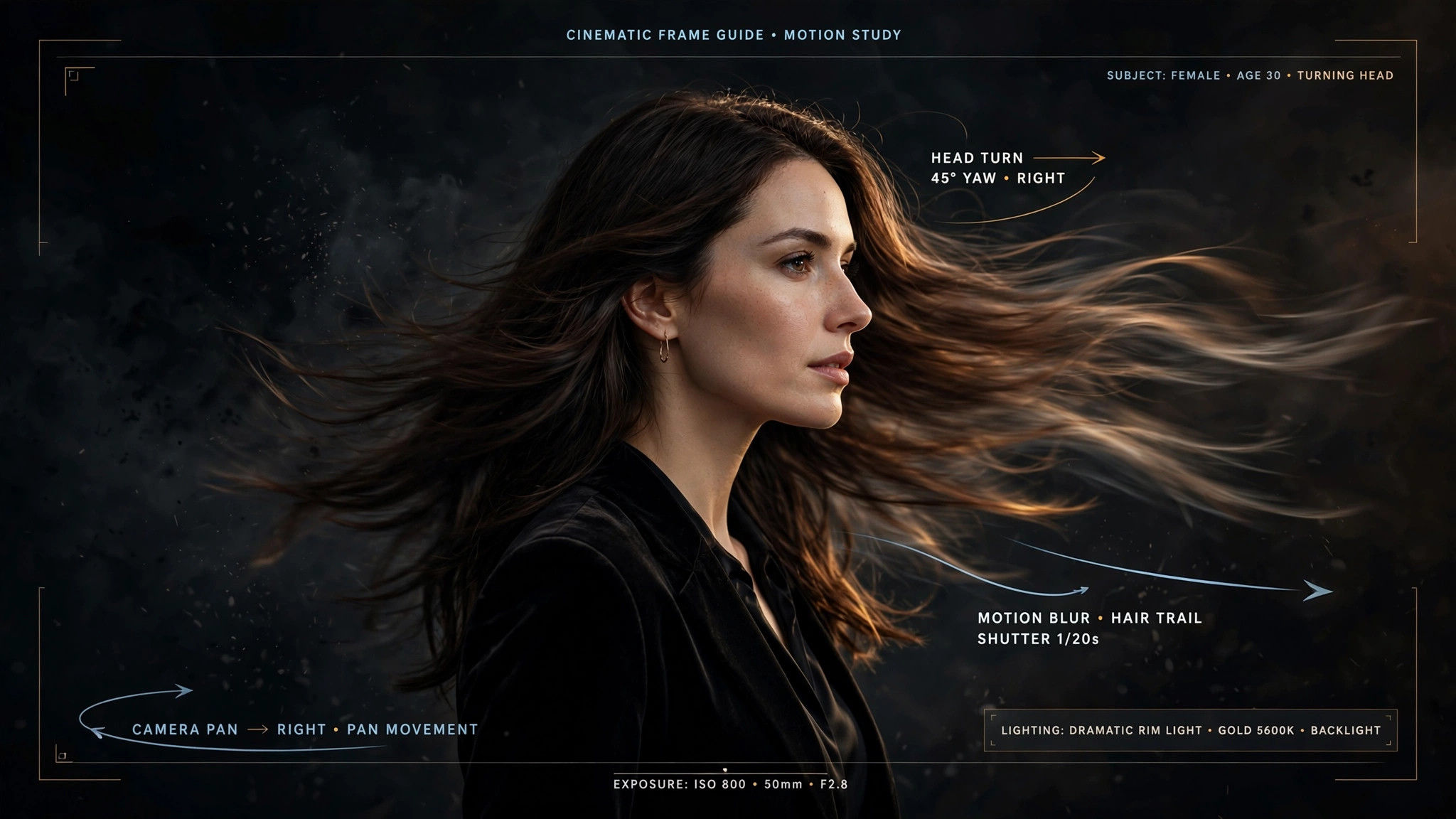
- One subject, one motion, one camera move. “A fictional adult woman with long dark hair slowly turns toward the camera, gentle smile forming, hair moving in a light breeze, slow push-in” — that’s a complete video prompt.
- Name the camera move: “slow zoom in,” “gentle pan left,” “subtle handheld sway,” “static camera, subject moves.”
- Say what should NOT move: “background static, only her hair and expression animate” — this prevents the walls-breathing effect.
- Keep it short: for image-to-video, 10–20 words of motion direction is plenty. The image already defines everything else.
3. What Determines Video Quality
Four factors, in rough order of impact:
- The source image. A clean, well-composed still with a simple background animates far better than a busy one. Garbage in, garbage out applies doubly to video.
- Motion complexity. Subtle motion — breathing, hair drift, slow camera push — is what current models do best. Big body movements and hand gestures near the face are where artifacts explode.
- Clip length. Shorter clips hold consistency better. A 5-second head turn looks dramatically cleaner than a 15-second clip of the same prompt.
- Character consistency. If your clip features a recurring character, lock her down first with a fixed seed and reference image — see our character consistency guide.
4. Realistic Length and Quality Expectations
- 4–6 seconds: the standard tier — clean, reliable, great for subtle motion loops.
- 10–15 seconds: premium tier — noticeably more drift, best with very simple motion.
- Beyond ~20 seconds: not available as single generations on consumer platforms in 2026; achieved via “extend” features with accumulating artifacts.
Normal in 2026 (not a broken platform): slight facial morphing over longer clips, wobbly hands during motion, subtly shifting backgrounds, slightly floaty or dreamlike motion.
Actually broken (try a different workflow): the face changing into a different person, persistent extra limbs, flickering between scenes, clips ignoring the motion prompt entirely.
5. What AI Video Generation Costs
Video is the most expensive action on credit-based platforms — a few seconds of video typically costs as much as dozens of still images. The practical budgeting rule: generate stills freely, animate only the keepers.
- Draft and iterate as still images (cheap), pick winners, then animate.
- Start with the shortest clip length that serves the idea — you can often loop a 5-second clip.
- Check whether failed generations auto-refund on your platform (SpicyLab’s do) — video has a higher defect rate than images, so this matters more here.
- Compare per-second costs across platforms before subscribing for video specifically; video pricing has moved repeatedly as models got cheaper to run.
6. Step-by-Step: Your First AI Video
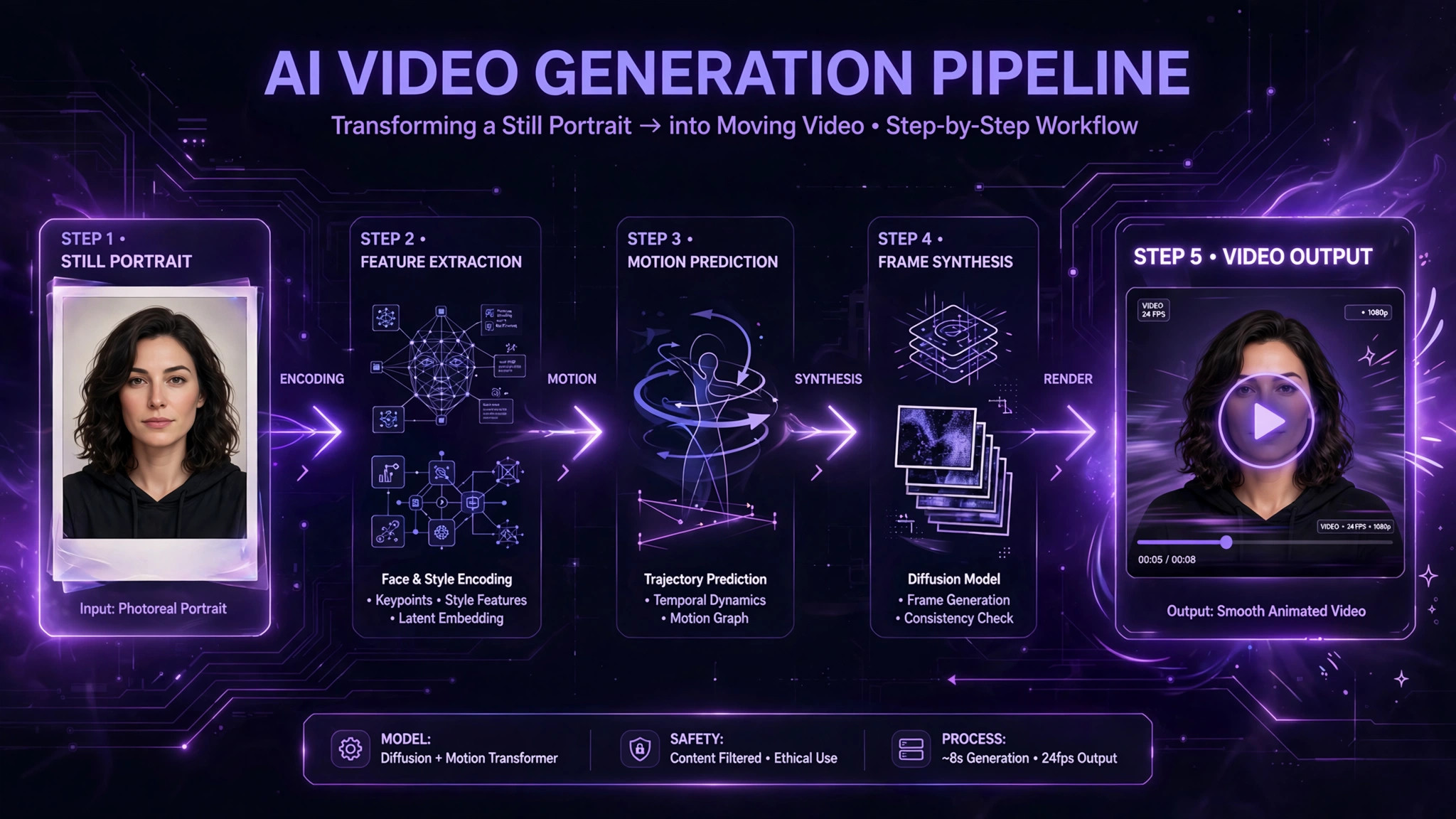
- Write the still prompt using the six-part formula (subject + pose + setting + lighting + style + quality) from our prompt guide.
- Generate 3–4 stills and pick the cleanest composition — simple background, clear subject, no anatomical defects.
- Optional: upscale the winner with an AI image upscaler for a sharper animation source.
- Write the motion prompt: one motion + one camera move, 10–20 words. Example: “slow push-in toward her face, gentle smile forming, hair swaying in breeze, background static.”
- Generate at the shortest length first. Evaluate, then try longer only if the short version is clean.
- Iterate on motion only. Don’t change the subject description between retries — change the motion words.
FAQ
How long can AI video generators make clips in 2026?
Typically 4–15 seconds per generation on consumer platforms. Longer runtimes come from “extend” features, with quality degrading on each extension.
Is text-to-video or image-to-video better?
Image-to-video is more reliable — the fixed first frame anchors subject, style, and composition. Generate a great still first, then animate it.
Why do faces morph in AI videos?
The model must keep dozens of frames consistent and does so imperfectly — features drift as the sequence progresses. Shorter clips and simpler motion minimize it.
How much does AI video generation cost?
On credit platforms, a few seconds of video typically costs as much as dozens of still images. Animate your keepers, not your drafts.
Can AI video generators include audio?
Most consumer video generation in 2026 is silent; a few premium platforms offer audio on higher tiers.
What’s the best first video to try?
A portrait still you already like, animated with one subtle motion: slow push-in, gentle head turn, hair in a breeze. Simple motion on a great still beats ambitious motion on a mediocre one every time.