AI Text to Video: Write Prompts That Produce Great AI Clips (2026)
October 24, 2026
🔞 18+ Only: This guide covers AI-generated video creation for adult content. All examples describe fictional adult characters. You must be of legal adult age in your jurisdiction to use these tools.
Text-to-video is the purest form of AI video generation: type a description, get a moving clip. No source image, no templates, no rigging — just words becoming motion. The trade-off for that freedom is control: you’re asking the model to invent the character, the scene, and the movement in one pass, which is why text-to-video prompts are a different skill from the image prompts you may already know.
This guide covers how text-to-video actually works, the anatomy of a prompt that produces good motion, copy-ready motion recipes for the most useful clip types, how to fix the warping, morphing, and physics-breaking failures that plague bad prompts, and the honesty rules that apply to everything you render.
Quick verdict: A text-to-video prompt is an image prompt plus a motion sentence: a concrete subject, a grounded scene, one named motion with a tempo word, one camera move, and style tags last. One moment, one motion, one camera move – test short, fix the motion rather than the scene, and save every prompt that works.
1. The Short Version
| Element | What to Write | Why It Matters |
|---|---|---|
| Subject + scene | Who is in the clip, where, doing what | Anchors the generation; vague subjects drift |
| Motion description | One or two specific motions with direction and speed | The only part the model invents from scratch |
| Camera language | Push-in, pan, orbit, static, handheld | Camera moves are the most reliable motion type |
| Style + quality tags | Photorealistic, anime, cinematic, 8k | Sets the visual language, like image prompts |
| Duration awareness | Match the motion to a 2–10 second clip | Long stories don’t fit short renders |
The rule of thumb: a text-to-video prompt is an image prompt plus a motion sentence. Get the still right first (subject, scene, style), then add one clear motion. If you want to animate an existing image instead, see our image-to-video guide — anchoring to a still gives you far more control.
2. What Text-to-Video Actually Does
A text-to-video model reads your prompt and generates every frame from nothing. Unlike image-to-video, there’s no first frame to anchor to — the model invents the character, the environment, the lighting, and the motion, then holds them (approximately) consistent across dozens of frames.
That “approximately” is the whole story. Text-to-video is three hard problems stacked: generate a good image, generate motion that makes sense, and keep everything consistent through time. Every failure you’ve seen — faces morphing, backgrounds warping, objects appearing and vanishing — is one of those three problems leaking through.
- What it does well: short atmospheric clips, camera moves over static or slow scenes, simple character motion, stylized aesthetics (anime and 3D hide flaws better than photorealism).
- What it struggles with: complex multi-character interaction, hands doing things, text on screen, fast action, precise choreography, long clips.
- The golden constraint: you’re describing a few seconds. A prompt that reads like a movie plot will produce a confused mess — the model can’t fit a narrative arc into 5 seconds. One moment, one motion, one camera move.
3. Prompt Anatomy: The Five Parts
Every strong text-to-video prompt has five parts, in this order:
1. Subject. Who is in the clip? Be concrete and clearly adult: “a woman in her late twenties with auburn hair in a loose braid” beats “a beautiful woman.” The model needs a specific person to hold consistent across frames — vague subjects morph.
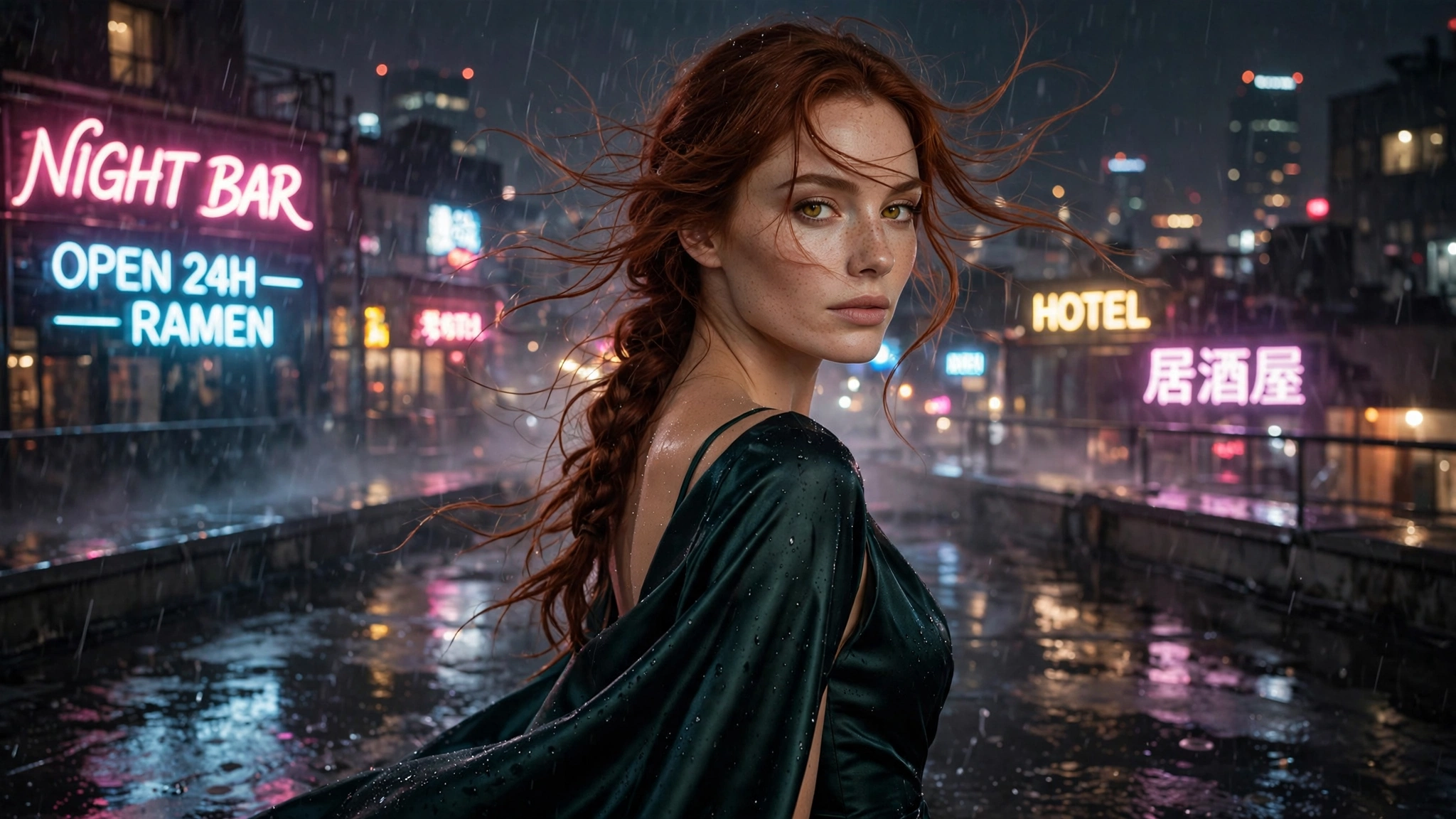
2. Scene. Where is she, and what’s the setting? “Standing on a rain-slicked rooftop at night, neon signs glowing behind her.” Setting grounds the motion — wind, light, surfaces all give the model motion cues to follow.
3. Motion. What moves, how, and how fast? This is the sentence that separates video prompts from image prompts. “She slowly turns her head toward the camera, hair swaying gently in the wind.” One or two motions, named explicitly, with a tempo word: slowly, gently, gradually.
4. Camera. What does the camera do? “Slow push-in” / “gentle orbit to the left” / “static camera, subject in motion” / “subtle handheld shake.” Camera moves are the most reliable motion in text-to-video — when in doubt, put the motion on the camera and keep the subject still.
5. Style + quality. The visual language and finish: “cinematic, photorealistic, shallow depth of field, 8k” or “anime style, cel shaded, vibrant.” Same vocabulary as image prompting — it sets the render quality the model aims for.
Put together, a complete prompt looks like this:
“A woman in her late twenties with auburn hair in a loose braid, standing on a rain-slicked rooftop at night with neon signs glowing behind her, she slowly turns her head toward the camera as her hair sways gently in the wind, slow push-in, cinematic, photorealistic, shallow depth of field, 8k”
Notice the discipline: one subject, one setting, one motion (head turn + hair sway), one camera move (push-in), style tags at the end. Every word earns its place; nothing describes a second scene.
4. Copy-Ready Motion Recipes
These five recipes cover the clip types that actually work in text-to-video. Use them as-is, then swap in your own subjects and settings.
Living portrait. “A woman in her late twenties with short black hair, close-up portrait in soft window light, subtle breathing motion, slow blink, hair shifting softly, static camera, photorealistic, sharp focus.” The safest motion there is — nearly impossible to break, and it makes any character feel alive.
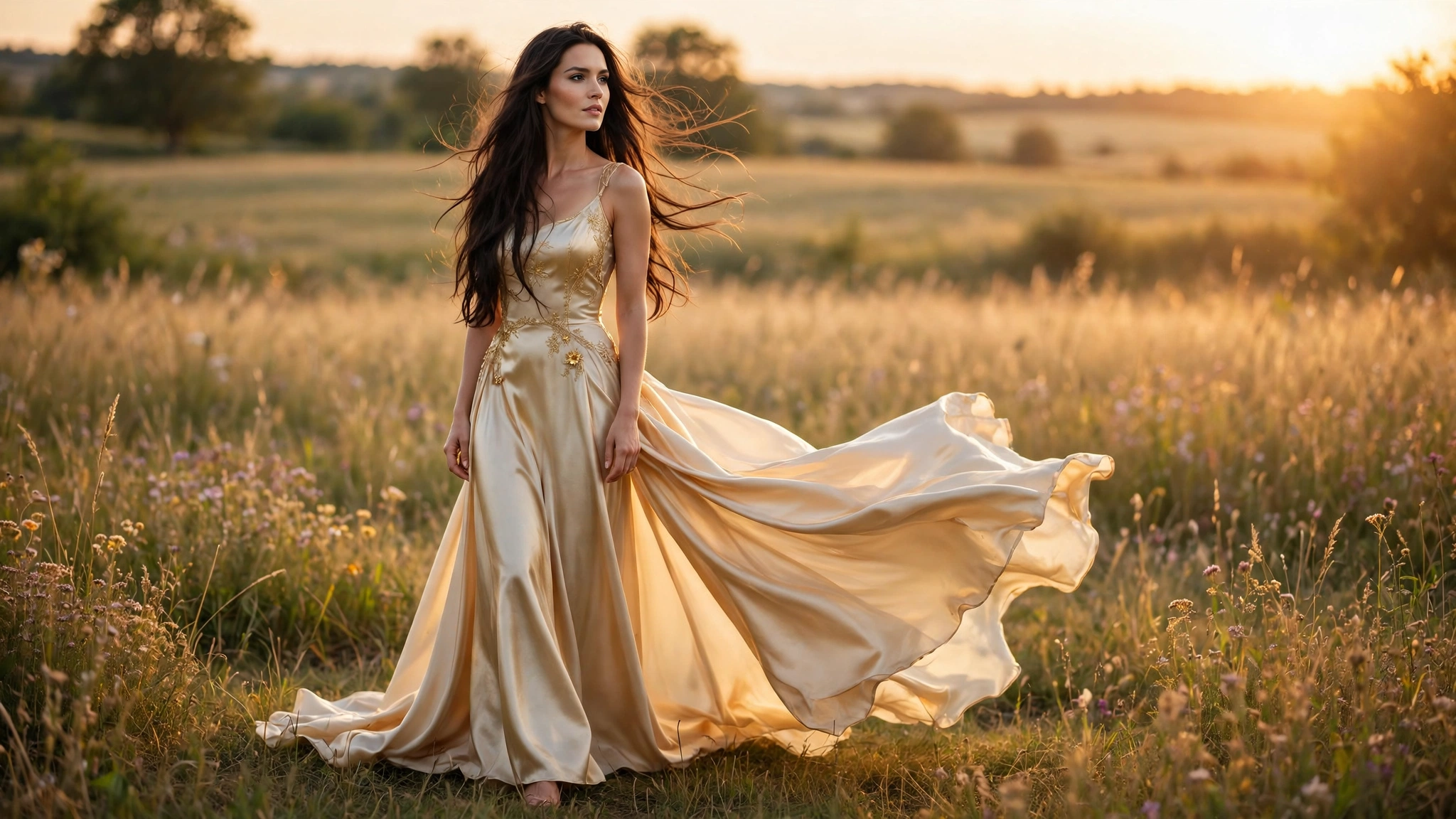
Cinematic push-in. “A woman in her early thirties in a flowing dress standing in a sunlit field at golden hour, dress hem lifting gently in the breeze, she gazes into the distance, slow dolly push-in toward her, cinematic, anamorphic lens flare, 8k.” All the drama comes from the camera; the subject barely moves, so nothing can warp.
Ambient scene. “A woman in her late twenties reading by a fireplace in a cozy cabin, flames flickering, dust motes drifting in the warm light, she turns a page slowly, static camera, photorealistic, intimate atmosphere.” Motion everywhere except the face — the face stays still, which is where most failures happen.
Slow orbit. “A woman in her mid-twenties with long silver hair standing in a neon-lit alley at night, rain falling softly around her, she looks over her shoulder at the camera, gentle camera orbit from left to right, cyberpunk, cinematic lighting.” Orbits show off the character from multiple angles — keep the motion slow or the face will smear between angles.
Anime loop. “Anime style illustration of a confident young woman with twin-tails, cherry blossoms drifting past, she smiles and tilts her head slightly, subtle looping motion, vibrant cel shading, detailed anime key visual.” Anime forgives more than photorealism — stylization hides the small inconsistencies that would break a realistic render.
5. Common Failures and How to Fix Them
| Failure | Cause | Fix |
|---|---|---|
| Face morphing mid-clip | Model can’t hold identity across frames | Slow the motion; enlarge the face in frame (close-up); shorten the clip |
| Warping background | Camera move dragging the scene inconsistently | Static camera with subject motion, or pure camera move on a still subject — not both |
| Extra limbs / melting hands | Complex body motion the model can’t track | Remove the motion: keep hands still or out of frame; describe upper-body motion only |
| Clip ignores your motion | Prompt too long; motion buried under scene description | Cut to one motion sentence; move it earlier in the prompt |
| Everything looks “AI” | Overused style tags, generic wording | Add one unusual concrete detail (a prop, a lighting quirk); prefer anime/3D over photorealism while learning |
| Clip feels dead | Motion too subtle or absent | Add one named motion with a tempo word; a slow push-in never hurts |
The debugging order: when a clip fails, simplify before you embellish. Cut the prompt to subject + one motion + one camera move and re-render. If the simple version works, add elements back one at a time until you find the one that broke it. Most failures come from asking for too much, not too little.
6. The Workflow: Prompt → Test → Keep
The professional loop for text-to-video:
- Write the five-part prompt. Subject, scene, motion, camera, style — one motion, one camera move, a few seconds of story.
- Render the shortest clip first. Generate at the minimum length as a test. Judge the motion before committing to longer renders.
- Fix the motion, not the scene. If the clip fails, change the motion sentence or the camera — don’t rewrite the whole prompt. The scene description is usually fine; the motion is the variable.
- Lock what works. When a prompt produces a good clip, save it verbatim. Small variations on a proven prompt beat fresh prompts every time — build a personal library of winners.
- Finish with upscale. Only upscale keepers, once, at the end (our video upscaler guide covers this). Upscaling amplifies motion flaws, so finish the motion first.
The cost instinct: video renders cost more compute than stills — more frames, more work. The expensive mistake is re-rendering the same overloaded prompt five times. Test short, diagnose with the table above, and spend your renders on prompts you’ve already proven. One dialed-in prompt reused across scenes beats ten fresh guesses.
7. The Honesty Rules
Text-to-video inherits every rule of image generation, plus the weight of motion:
- Fictional characters only. Generate clips of fictional adult characters. Never generate video of real people in explicit or misleading scenarios without their consent — motion amplifies the harm of a non-consensual deepfake, and a growing number of jurisdictions criminalize it explicitly.
- Label AI video as AI. A text-to-video clip is fully synthetic — every pixel was invented. Platform disclosure rules (see our influencer guide) apply; never present AI video as camera footage of real events.
- Don’t fake provenance. “AI-generated from a text prompt” is honest. Implying it depicts something real is a lie, and synthetic video is increasingly detectable.
- Keep your prompts. Save the exact prompt for every keeper. If a platform questions the content or you want variations, the prompt is the asset — regenerating from memory never reproduces the same clip.
None of this limits the creative upside. A few well-chosen words becoming a living, moving scene is still the most magical moment in this whole workflow — just keep the pipeline honest and the characters fictional.
8. FAQ
What is AI text-to-video?
A tool that generates a video clip from a written description alone — the model invents the character, scene, and motion from your prompt, with no source image needed. It’s the most open-ended form of AI video generation.
How is text-to-video different from image-to-video?
Text-to-video starts from nothing: your words describe everything. Image-to-video starts from a still image that anchors the character and scene. Image-to-video gives you more control over consistency; text-to-video gives you more creative freedom. See our image-to-video guide for the anchored workflow.
What makes a good text-to-video prompt?
Five parts in order: a concrete subject, a grounded scene, one named motion with a tempo word, one camera move, and style/quality tags. One moment, one motion, one camera move — prompts that describe a whole story confuse the model.
Why does my clip look nothing like my prompt?
Usually the prompt describes too much: multiple scenes, several motions, competing style tags. Cut it to subject + one motion + one camera move and re-render. If the simple version works, add elements back one at a time.
How long can text-to-video clips be?
Most tools generate a few seconds per render — typically 2 to 10 seconds. Longer clips compound every failure mode (morphing, warping), so design for short: one moment, not a narrative.
Is it okay to generate video of real people with text-to-video?
No — generating explicit or misleading video of real people without their consent is non-consensual intimate imagery, and motion makes it worse. Keep text-to-video to fictional adult characters.
{“@context”: “https://schema.org”, “@type”: “FAQPage”, “mainEntity”: [ {“@type”: “Question”, “name”: “What is AI text-to-video?”, “acceptedAnswer”: {“@type”: “Answer”, “text”: “A tool that generates a video clip from a written description alone — the model invents the character, scene, and motion from your prompt, with no source image needed. It’s the most open-ended form of AI video generation.”}}, {“@type”: “Question”, “name”: “How is text-to-video different from image-to-video?”, “acceptedAnswer”: {“@type”: “Answer”, “text”: “Text-to-video starts from nothing: your words describe everything. Image-to-video starts from a still image that anchors the character and scene. Image-to-video gives more control over consistency; text-to-video gives more creative freedom.”}}, {“@type”: “Question”, “name”: “What makes a good text-to-video prompt?”, “acceptedAnswer”: {“@type”: “Answer”, “text”: “Five parts in order: a concrete subject, a grounded scene, one named motion with a tempo word, one camera move, and style/quality tags. One moment, one motion, one camera move.”}}, {“@type”: “Question”, “name”: “Why does my clip look nothing like my prompt?”, “acceptedAnswer”: {“@type”: “Answer”, “text”: “Usually the prompt describes too much: multiple scenes, several motions, competing style tags. Cut it to subject + one motion + one camera move and re-render, then add elements back one at a time.”}}, {“@type”: “Question”, “name”: “How long can text-to-video clips be?”, “acceptedAnswer”: {“@type”: “Answer”, “text”: “Most tools generate a few seconds per render — typically 2 to 10 seconds. Longer clips compound every failure mode, so design for short: one moment, not a narrative.”}}, {“@type”: “Question”, “name”: “Is it okay to generate video of real people with text-to-video?”, “acceptedAnswer”: {“@type”: “Answer”, “text”: “No — generating explicit or misleading video of real people without consent is non-consensual intimate imagery, and motion makes it worse. Keep text-to-video to fictional adult characters.”}} ]}