AI Video Prompts That Actually Work: A Text-to-Video Prompt Guide
October 2, 2026
Text-to-video AI has a learning curve that still images don’t. With an image generator, a vague prompt might give you something usable. With video, vagueness gives you mush — characters that melt, cameras that drift, and motion that looks like a glitch. The difference between a good AI video and a bad one is almost always the prompt.
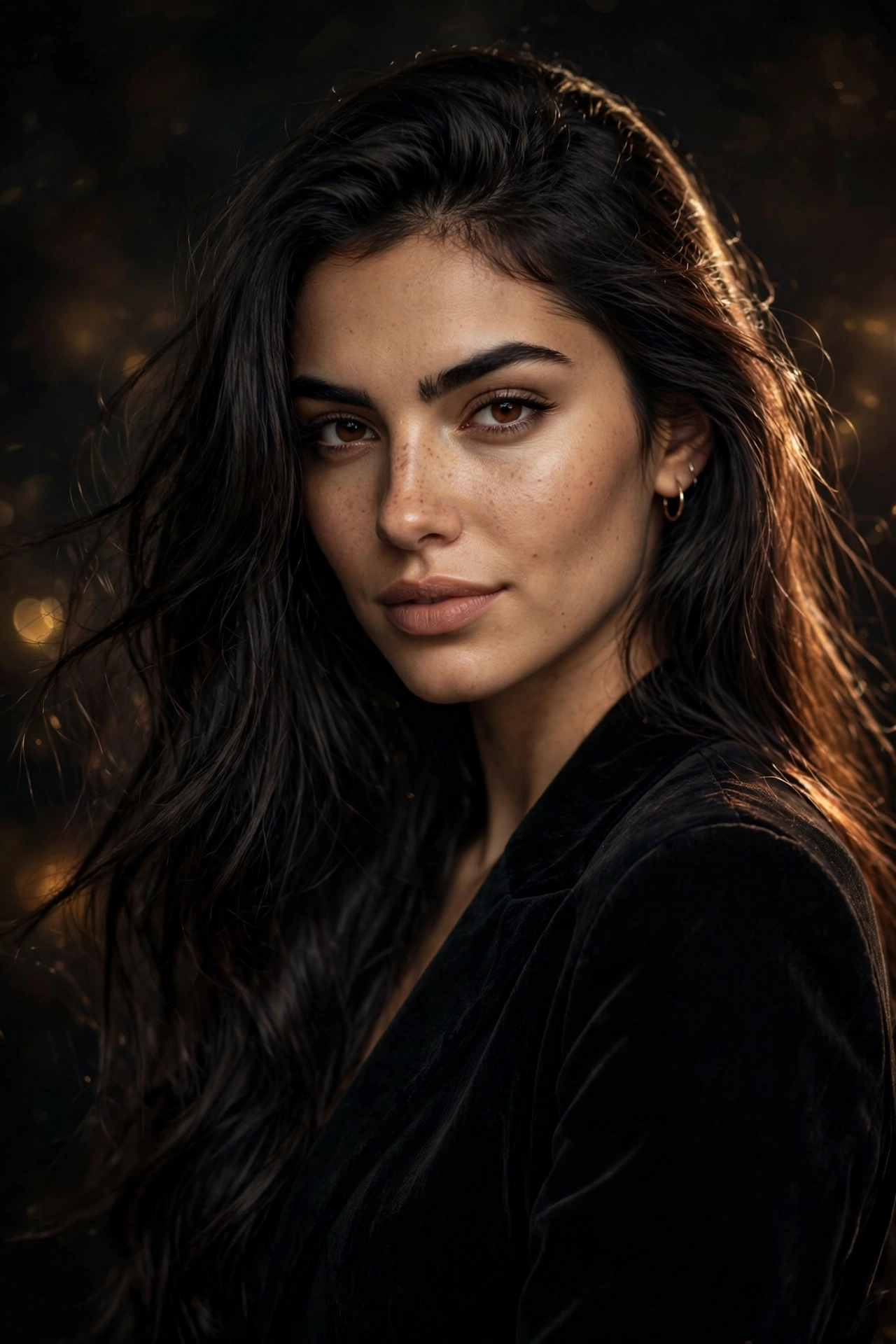
This guide breaks down what actually works in text-to-video prompts: the structure, the details that matter, the ones that don’t, and real examples you can adapt. Everything here applies to SpicyLab’s text-to-video generator and most other AI video tools.
Why Video Prompts Are Harder Than Image Prompts
An image prompt describes a single frozen moment. A video prompt has to describe a moment plus how it changes over time — and AI video models are much less forgiving about ambiguity.
When you write “a woman walking on a beach,” an image model picks one frame and makes it beautiful. A video model has to decide: How does she walk? How fast? What does the camera do? What moves in the background? Every unspecified detail becomes a guess, and guesses compound into weirdness over a few seconds.
The fix isn’t longer prompts — it’s structured prompts that answer the questions the model is silently asking.
The 6 Building Blocks of a Video Prompt
Every strong text-to-video prompt covers these six elements, roughly in this order:
1. Subject (who or what)
Start with a clear, specific subject. “A woman” is weak. “A young adult woman with long auburn hair, athletic build” gives the model something to hold onto. For adult content, keep descriptions focused on fictional adults — that constraint actually helps, because specificity beats vagueness every time.
2. Action (what’s happening)
This is the part image prompts skip. Describe the motion explicitly: not just “dancing” but “swaying her hips slowly to music, arms raised above her head.” Verbs matter more in video than anywhere else. Use concrete, physical verbs — walking, turning, leaning, reaching — instead of abstract ones like feeling or being.
3. Camera (how we see it)
Camera direction is the highest-leverage part of a video prompt. Specify:
- Shot type: close-up, medium shot, full body, wide shot
- Angle: eye level, low angle, overhead, side profile
- Movement: static camera, slow push-in, gentle orbit, tracking shot
A static camera with good action almost always beats a moving camera with vague action. When in doubt, lock the camera down — “static camera, medium shot” is the most reliable starting point.
4. Setting (where)
One clear location with two or three sensory details. “A dimly lit bedroom at night, moonlight through blinds, rumpled dark sheets” is enough. Don’t over-describe the background — the model will fill it in, and every background detail you add is attention taken away from your subject.
5. Lighting and Mood
Lighting does more work in video than in stills because it sells the sense of a real moment. “Warm lamplight,” “soft morning light,” “neon glow” — pick one dominant light source. Mixed lighting (“candlelight and moonlight and neon”) confuses the model.
6. Style
End with the visual style: photorealistic, cinematic, anime, 3D render. One style keyword is enough. Style goes last because it’s a global modifier — it colors everything above it.
Real Examples: Weak vs Strong Prompts
Here’s the same idea written three ways, from vague to precise:
Weak: “sexy woman dancing”
Result: Unpredictable. The model guesses the setting, the camera, the type of dance, the framing — and usually guesses wrong on at least two of them.
Better: “A young adult woman with dark hair dancing in a bedroom, warm lighting, photorealistic”
Result: Watchable, but the motion may be odd — “dancing” is still doing a lot of heavy lifting, and the camera is unspecified.
Strong: “A young adult woman with long dark hair, athletic build, swaying her hips slowly with arms raised, static camera at eye level, medium shot, dim bedroom with warm lamplight, rumpled dark sheets in background, photorealistic, cinematic”
Result: The model has a subject, a specific action, a locked camera, a simple setting, one light source, and a style. This is the structure that produces consistent, usable clips.
5 Mistakes That Ruin AI Videos
Mistake 1: Describing multiple actions in sequence
“She walks to the window, turns around, and sits on the bed” asks for three shots in one clip. Most text-to-video models handle one continuous action well and fall apart on sequences. Pick the single most important moment.
Mistake 2: Forgetting the camera
No camera direction means the model invents one — often a slow, seasick drift. Even “static camera” is a direction, and it’s usually the best one for beginners.
Mistake 3: Overloading with adjectives
Twelve adjectives describing your subject leave no room for action and camera. Three sharp details beat twelve vague ones. If you can’t picture it clearly from your own description, neither can the model.
Mistake 4: Mixing art styles
“Photorealistic anime cinematic 3D render” isn’t a style — it’s four styles fighting. Pick one.
Mistake 5: Prompting for dialogue or complex interaction
Two characters interacting, lip sync, handshakes, kisses — these are the hardest things for current video models. Single-subject clips with clear solo actions are dramatically more reliable. If you want interaction, image-to-video (animating a still you already like) is often the better path.
Prompt Templates You Can Steal
Three plug-and-play structures for common use cases:
Portrait / character showcase:
“[Age-appropriate adult] with [2-3 visual traits], [one clear action], static camera, [shot type], [simple setting], [one light source], [style]”
Atmospheric / mood clip:
“[Setting with 2 sensory details], [subtle motion: curtains moving, light flickering], slow push-in, [shot type], [lighting], [style]”
Action clip:
“[Subject], [physical verb + direction + speed], [camera movement or static], [angle], [setting], [lighting], [style]”
Negative Prompts: What to Exclude
Most video generators support negative prompts — things you explicitly don’t want. For video, the highest-value negatives are motion artifacts:
- Deformed hands, extra limbs, morphing faces — the classic AI video failure modes
- Camera shake, jittery motion — unless you specifically want handheld energy
- Blurring, flickering — temporal inconsistencies between frames
- Text, watermark, logo — models love hallucinating fake text
- Multiple people — if you want a single subject, say so negatively too; crowd scenes multiply the failure surface
A solid default negative prompt for most clips: “deformed, blurry, flickering, extra limbs, morphing, text, watermark, camera shake.” It’s not magic, but it trims the worst outcomes.
Matching Prompt Complexity to Clip Length
Short clips (2-4 seconds) are the sweet spot for text-to-video right now. They hold one action, one camera move, one idea. Your prompt should describe exactly what fits in that window — no more.
As clips get longer, don’t add more actions. Instead, add texture: subtle secondary motion (hair moving, light shifting, fabric swaying), richer setting details, slower camera moves. A 6-second clip of one person slowly turning toward camera with wind in their hair will look better than a 6-second clip where they walk, turn, sit, and stand.
The rule: longer clip = deeper description of one moment, not more moments.
Iterating: Change One Variable at a Time
When a video doesn’t work, resist the urge to rewrite the whole prompt. Treat it like debugging:
- Motion looks wrong? Simplify the action verb. Replace compound actions with the single most important one.
- Subject looks off? Add or sharpen the 2-3 visual traits. Don’t touch the camera or action.
- Weird camera drift? Add “static camera” explicitly. Don’t change anything else.
- Background is distracting? Simplify the setting to one location and one or two details.
Each generation costs credits, so systematic iteration saves real money. Keep a text file of prompts that worked — the exact subject descriptions, camera phrases, and negative prompts you can reuse. Prompt libraries compound over time.
How This Connects to Image Prompting
If you’ve read our guide to writing better AI image prompts, most of the subject-description skills transfer directly. The new muscle for video is temporal thinking: describing not just what something looks like, but what it does across a few seconds. Start with your image-prompt instincts, then add one clear action and one camera direction. That’s 80% of the skill.
Putting It All Together: 3 Worked Examples
Here are three complete prompts with a breakdown of why each element is there:
Example 1 — Character portrait:
“A young adult woman with short black hair and freckles, tilting her head slowly to the side with a soft smile, static camera at eye level, close-up shot, minimalist studio background in warm gray, soft key light from the left, photorealistic”
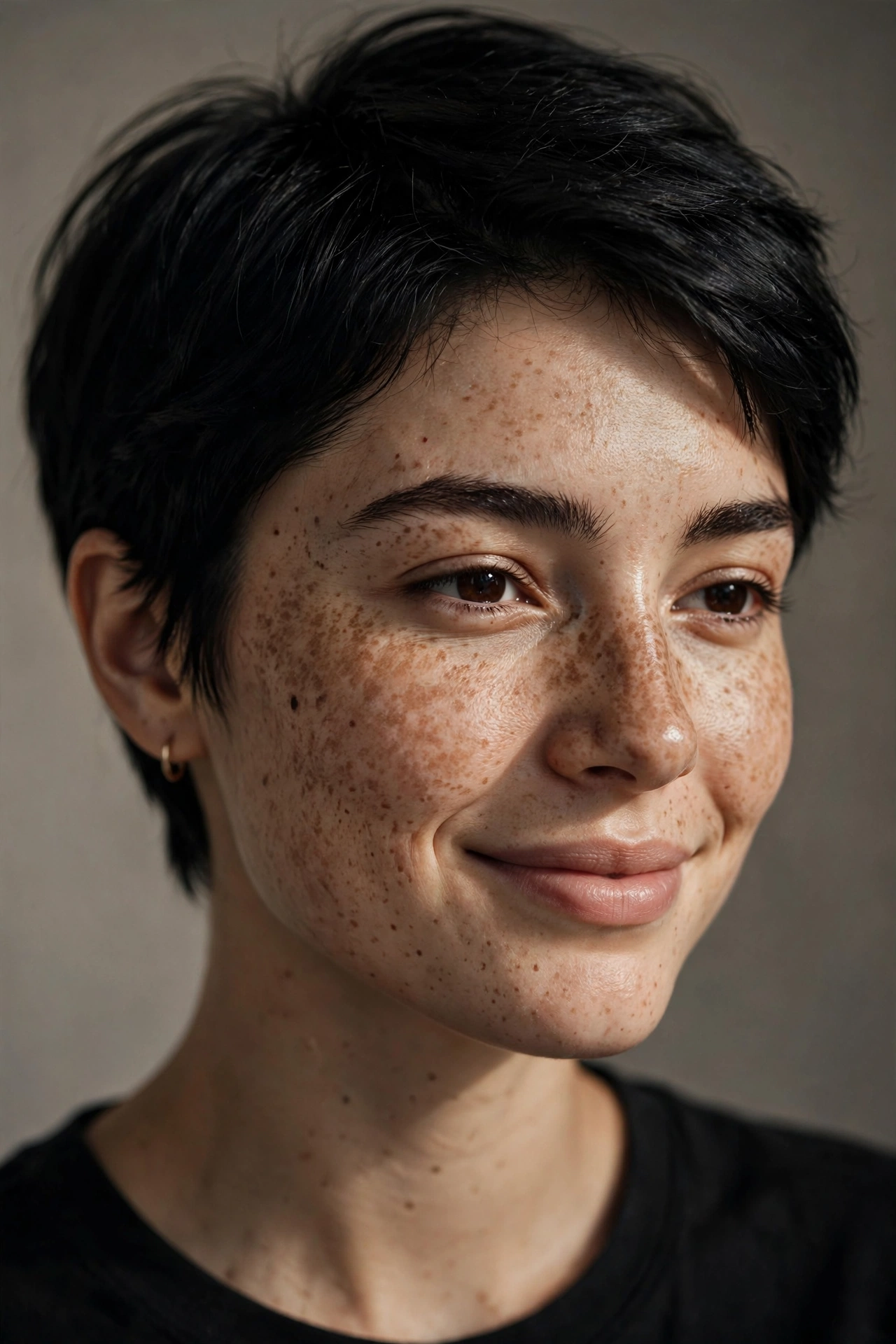
- Subject: specific (age-appropriate adult, hair, freckles)
- Action: one slow, simple motion (head tilt)
- Camera: locked, eye level, close-up — zero ambiguity
- Setting: deliberately minimal so nothing competes with the face
- Light: one source, one direction
Example 2 — Atmospheric scene:
“Empty luxury bedroom at dusk, sheer curtains billowing gently in the breeze, slow push-in from wide shot, city lights glowing through floor-to-ceiling windows, deep blue and amber color palette, cinematic”
- No human subject — removes the hardest variable entirely
- Action: one subtle environmental motion (curtains)
- Camera: single slow move, motivated by the reveal of the room
- Mood does the heavy lifting through color and light
Example 3 — Stylized action:
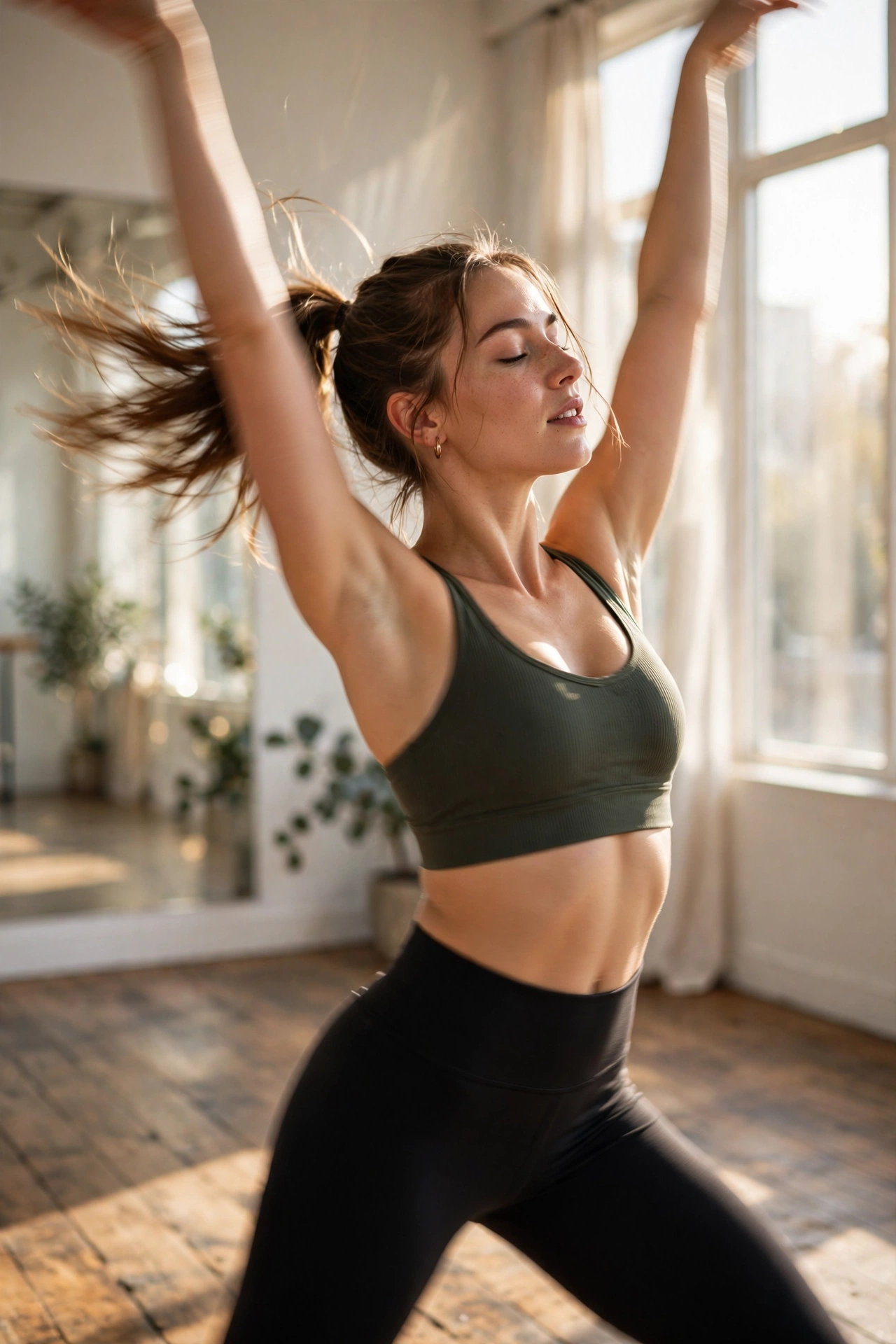
“Athletic young adult woman with a high ponytail, spinning slowly in place with arms extended, static camera, full-body shot, sunlit dance studio with wooden floors and mirrors, bright natural daylight, anime style”
- Action: “spinning slowly” is one continuous rotation — the model can loop it cleanly
- Static camera keeps the spin readable instead of seasick
- Anime style is more forgiving of motion imperfections than photorealism
- Setting details (wooden floors, mirrors) are simple and geometric — easy for the model
Notice the pattern: each prompt answers all six questions (who, doing what, camera, where, light, style) in under 50 words. That’s the target.
Video Costs More Than Images — Plan Accordingly
One practical note: video generation runs on credits, and a few seconds of video typically costs significantly more than a single image — every frame has to be generated and smoothed. There’s no free video preview (free trials cover standard images). That makes good prompting an economic skill, not just a creative one: every failed video costs you. Write the prompt carefully, start with the templates above, and iterate on one variable at a time.
Ready to try? Generate your first AI video from text on SpicyLab — describe the scene, lock the camera, and keep the action simple.
Frequently Asked Questions
How long should a text-to-video prompt be?
Long enough to cover subject, action, camera, setting, lighting, and style — usually 30 to 60 words. Shorter than that and you’re leaving decisions to the model; much longer and you risk diluting the important details.
Why do my AI videos look warped or melty?
Almost always one of three causes: the action was too complex or sequential, the camera was unspecified (so the model invented drifting movement), or the prompt mixed conflicting styles. Simplify to one action, lock the camera, pick one style.
Should the camera move or stay static?
Static is more reliable, especially when you’re starting out. Camera movement (push-in, orbit, tracking) works best when the subject’s action is simple. Complex action plus moving camera is the hardest combination — master them separately first.
Can I get consistent characters across multiple videos?
It’s one of the hardest problems in AI video right now. Your best bets: reuse the same detailed subject description word-for-word across prompts, or generate a character image first and use image-to-video to animate it. Even then, expect variation.
What’s the difference between text-to-video and image-to-video prompting?
Text-to-video starts from nothing — your prompt carries the full burden. Image-to-video starts from a still image, so the subject and composition are already fixed and your prompt only needs to describe the motion. For tricky subjects, generating the image first is often the smarter workflow.
How much does AI video generation cost?
On SpicyLab, video generation runs on credits — there’s no free video preview. Free trials cover one standard image per IP. Credit packs are one-time purchases (no subscription), and failed jobs are automatically refunded.