 NEW IMAGE
⚡ Generate
Describe the change — background, wardrobe, lighting, composition — and the editor applies it to your image while preserving everything that already works.
Pick an effect, upload your photo, and the built-in recipe does the rest. Same photo, far more reliable results.
You have been writing prompts by hand. Templates skip all of that — pick a card below, upload your photo, and get the same scene in one click.
NEW IMAGE
⚡ Generate
 IMAGE
⚡ Generate
 NEW IMAGE
⚡ Generate
 NEW IMAGE
⚡ Generate
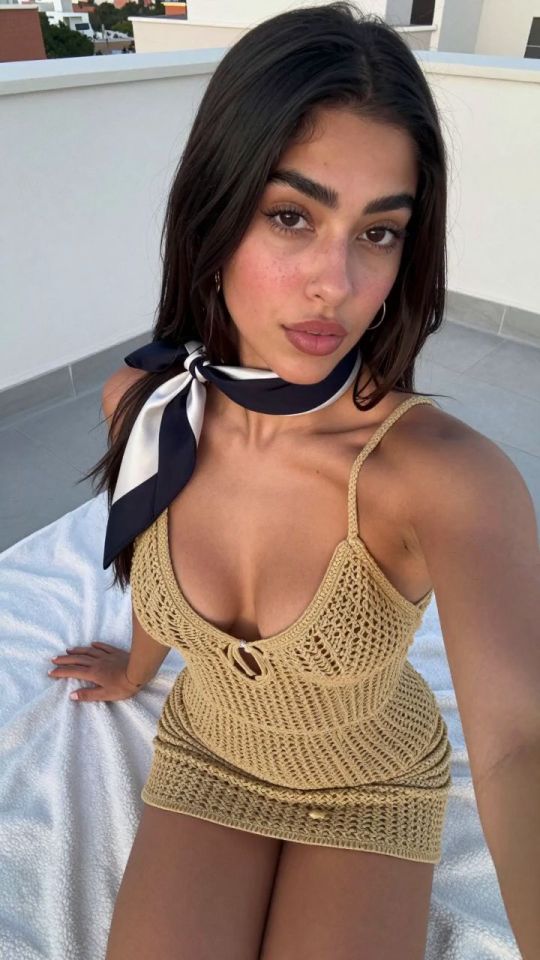
 IMAGE
⚡ Generate
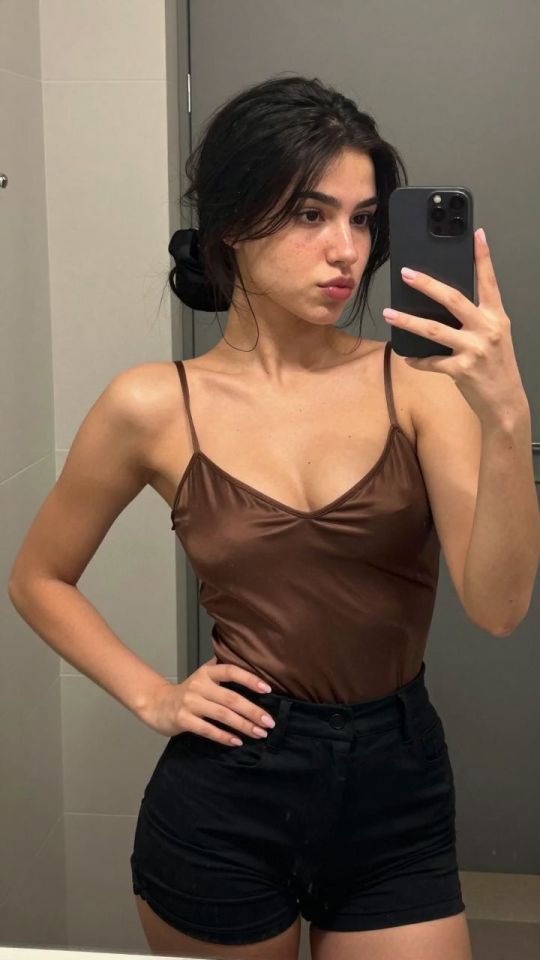
 IMAGE
⚡ Generate
 5s
⚡ Generate
 5s
⚡ Generate
 5s
⚡ Generate
 NEW IMAGE
⚡ Generate
 IMAGE
⚡ Generate
 5s
⚡ Generate
Upload, instruct, review. No manual masking, no layers to manage.
Provide an image you own, generated, or are authorized to transform. Clear, well-lit sources edit most faithfully.
Describe exactly what should change — and what must stay the same. One targeted instruction per edit beats a paragraph of wishes.
Compare the result against your source. Iterate with follow-up instructions, or upscale the winner for final output.
Move your subject to a new environment while keeping pose, lighting direction, and identity consistent.
Change outfits, fabrics, and accessories on a fictional character without regenerating the whole image.
Repair hands, faces, artifacts, and small imperfections that survived the first generation.
Shift time of day, color temperature, and atmosphere while preserving composition.
Adjust framing, extend backgrounds, or rebalance a crop that almost worked.
Push a draft toward a specific medium — more cinematic, more editorial, more painterly.
An edit instruction is a work order: what changes, what stays, and how far the change goes.
Structure every instruction in three parts: change (exactly what should be different), keep (what must stay identical), degree (how strong the change should be). Instructions missing the “keep” part are the #1 cause of edits that alter things you liked.
“Change the background to a moonlit rooftop terrace; keep the subject’s pose, face, and outfit exactly the same; subtle, photorealistic blend with matching warm lighting”
For consent and safety fundamentals, read the consent checklist for AI editing.
Image editing is a premium feature. The exact credit cost is shown before every edit, and failed jobs refund automatically.
It refines images you already have: describe the change — background, wardrobe, styling, composition, lighting — and the model applies it while preserving the parts that matter.
Yes. Uploading and editing images is a premium feature requiring an account and credits.
Only media you own or have explicit permission to transform. Every depicted person must be a fictional consenting adult; real-person photos without documented consent are prohibited.
Yes — targeted edits preserve unchanged areas. Describe only what should change and explicitly note what must stay the same.
Yes. Creations remain private by default, and upload-derived results cannot be published.
Upload your image, describe one targeted change, and review — the exact cost is shown before you confirm.
Adults 18+ only. Upload only media you own or have explicit permission to transform. Fictional adults only; upload-derived results cannot be published.
Analyzing your photo…
Your result will appear right here — keep this open.
0:00
Your image is deleted after generation.
Browse filesFailed jobs are refunded automatically. Results land in My Collection.